JBX > Ozymandia > UX Process
Ozymandia - UX Process
Ozymadia Technologies - Timeline Application Case Study
Sketch, InVision, Adobe CC, Flinto, Plant, Zeplin, User Zoom
Research • Personas • Sketches • Flows • Wireframes • Product Design
Ozymandia Timeline application prototype is based on a project designed for Smith & Carson. For promotional use only.
Problem
Caseworkers collect large amounts of data pertaining to major life events of subjects they are researching but they don’t have an easy way to view a quick synopsis of the entered data in an easy accessible format.
Solution
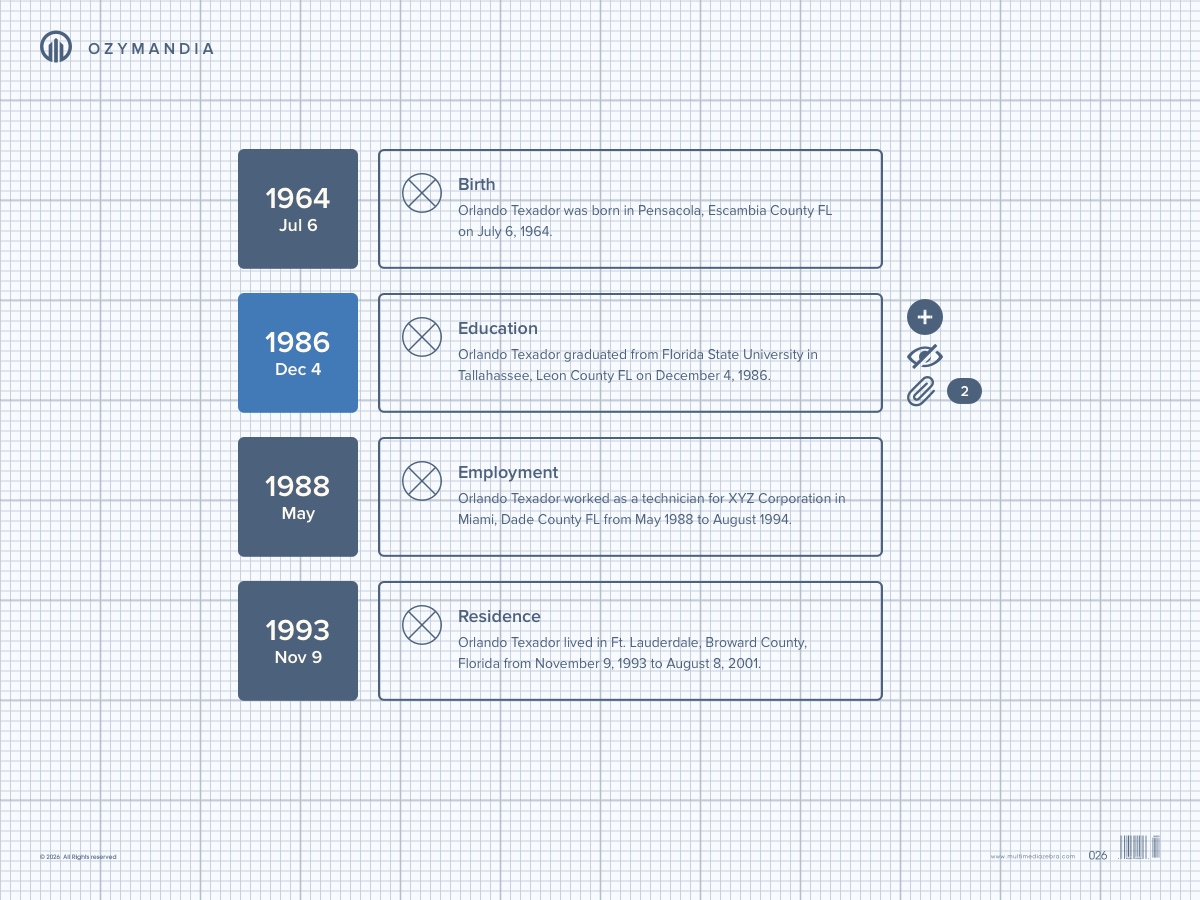
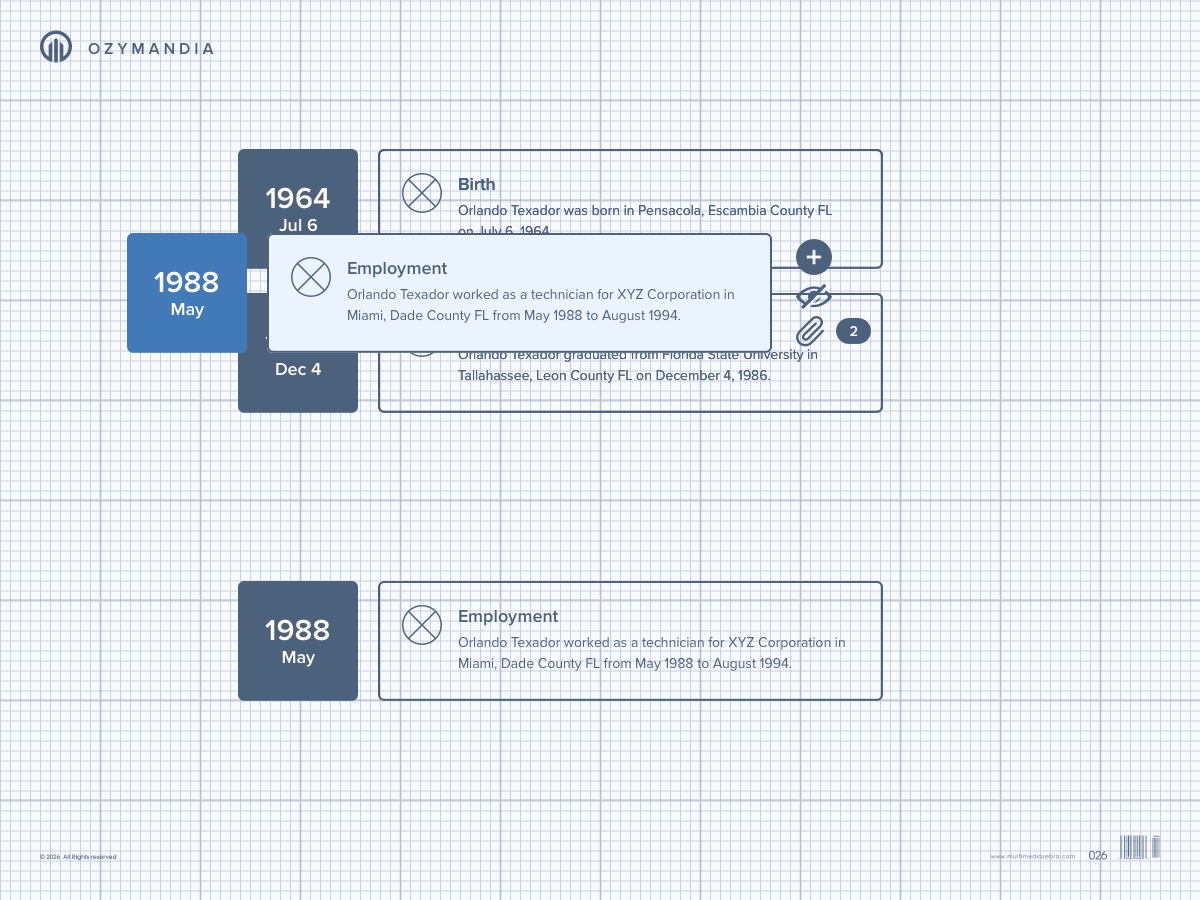
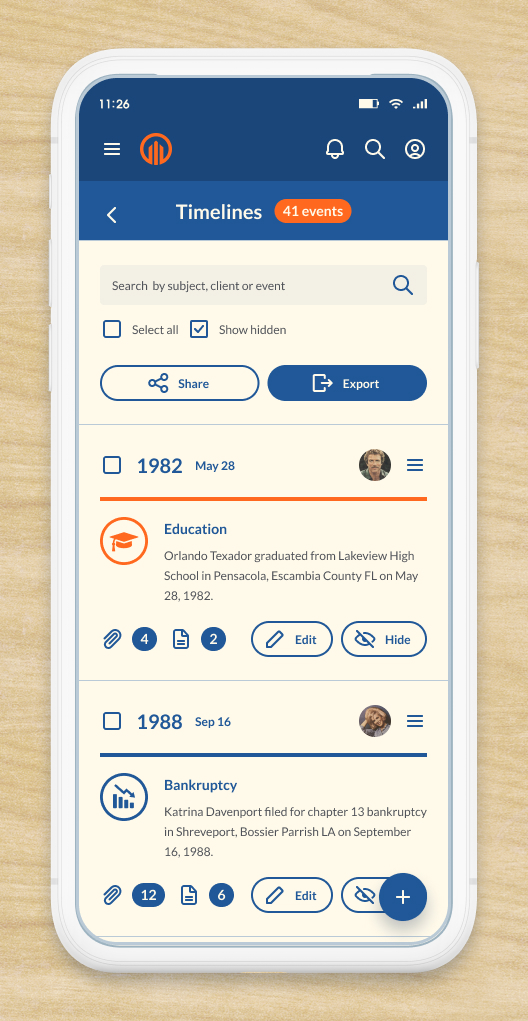
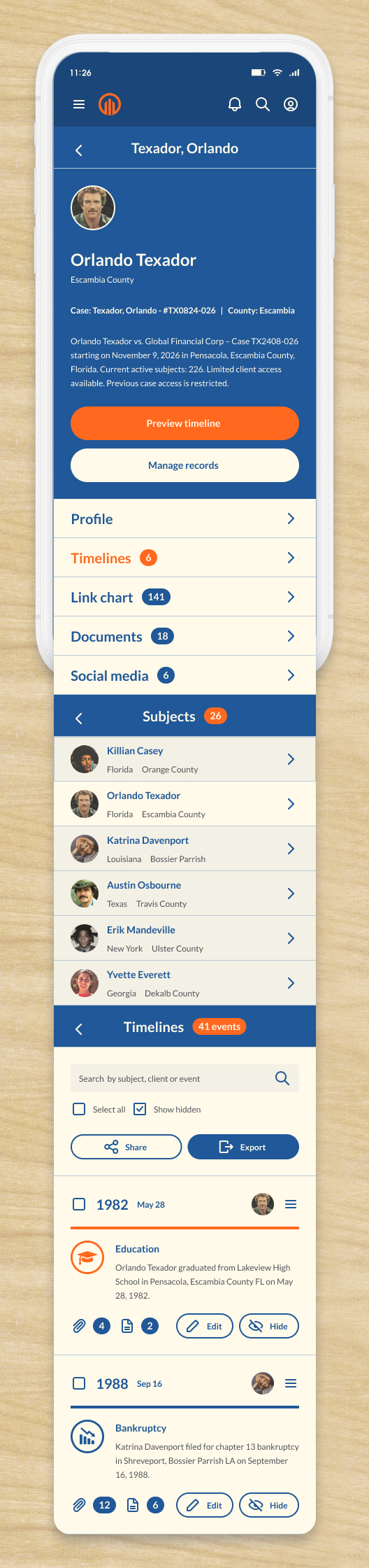
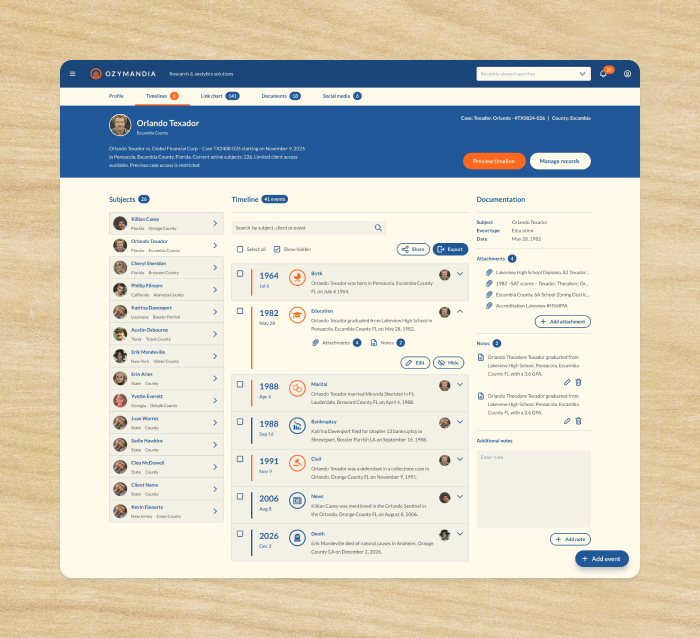
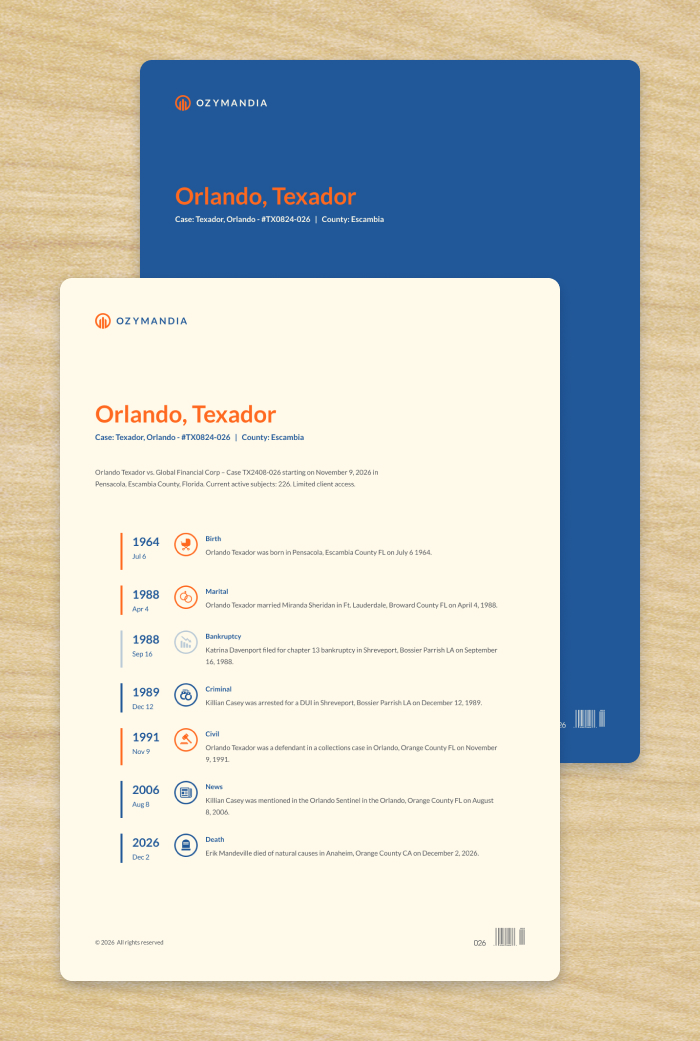
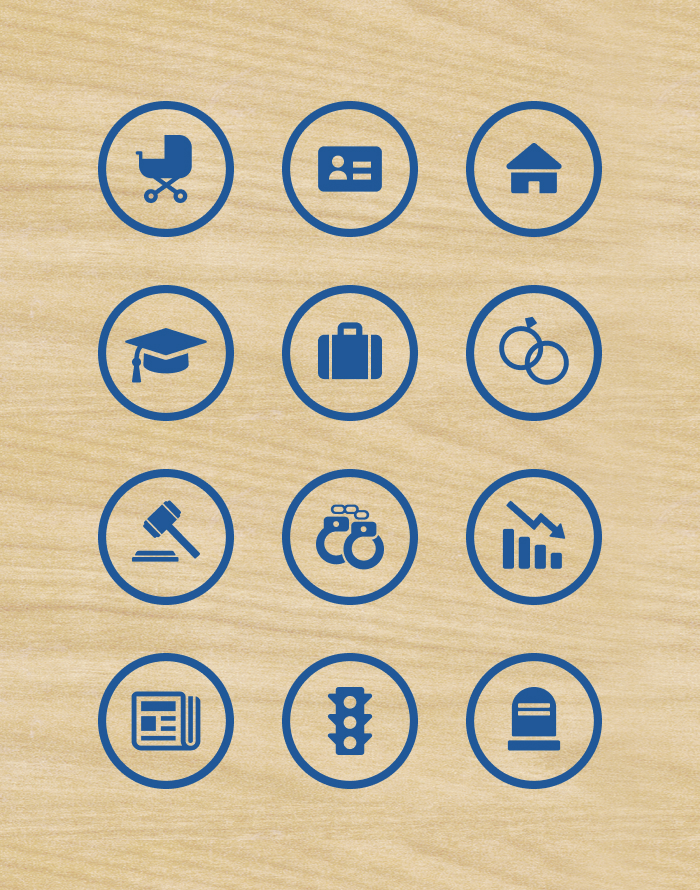
Our team created a Timeline app which reformatted user entered data to appear as timeline events which were displayed in chronological order complete with icons and easy to read sentences.
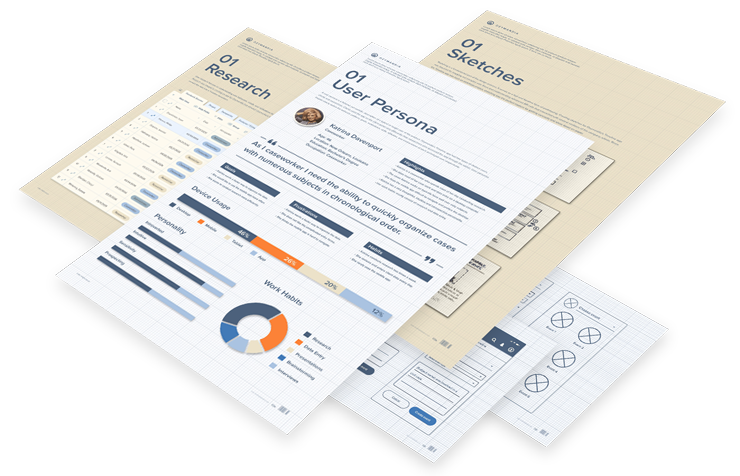
Ozymandia's UX Process
Creating meaningful and relevant user experiences was the primary goal when designing Ozymandia’s Timeline app. Extensive user research was done to understand the customer’s needs and frustrations, sketches allowed for rapid brainstorming sessions, user flows communicated goals to stakeholders and developers and wireframes were created to build out the skeleton of the app. The user experience design was essential to creating Ozymandia’s Timeline app. The entire process encompassed all aspects of the product including branding, usability, and function.

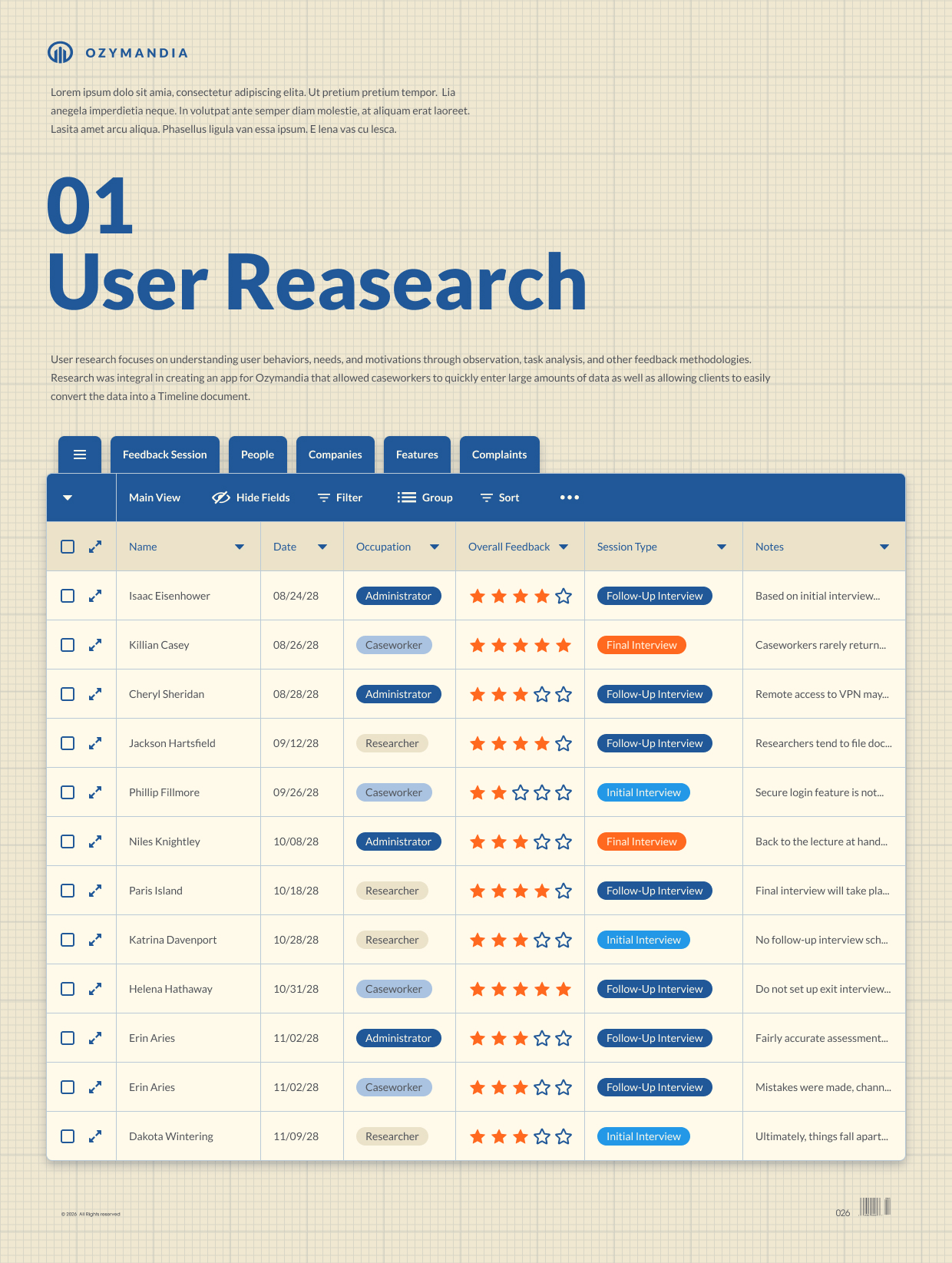
User Research
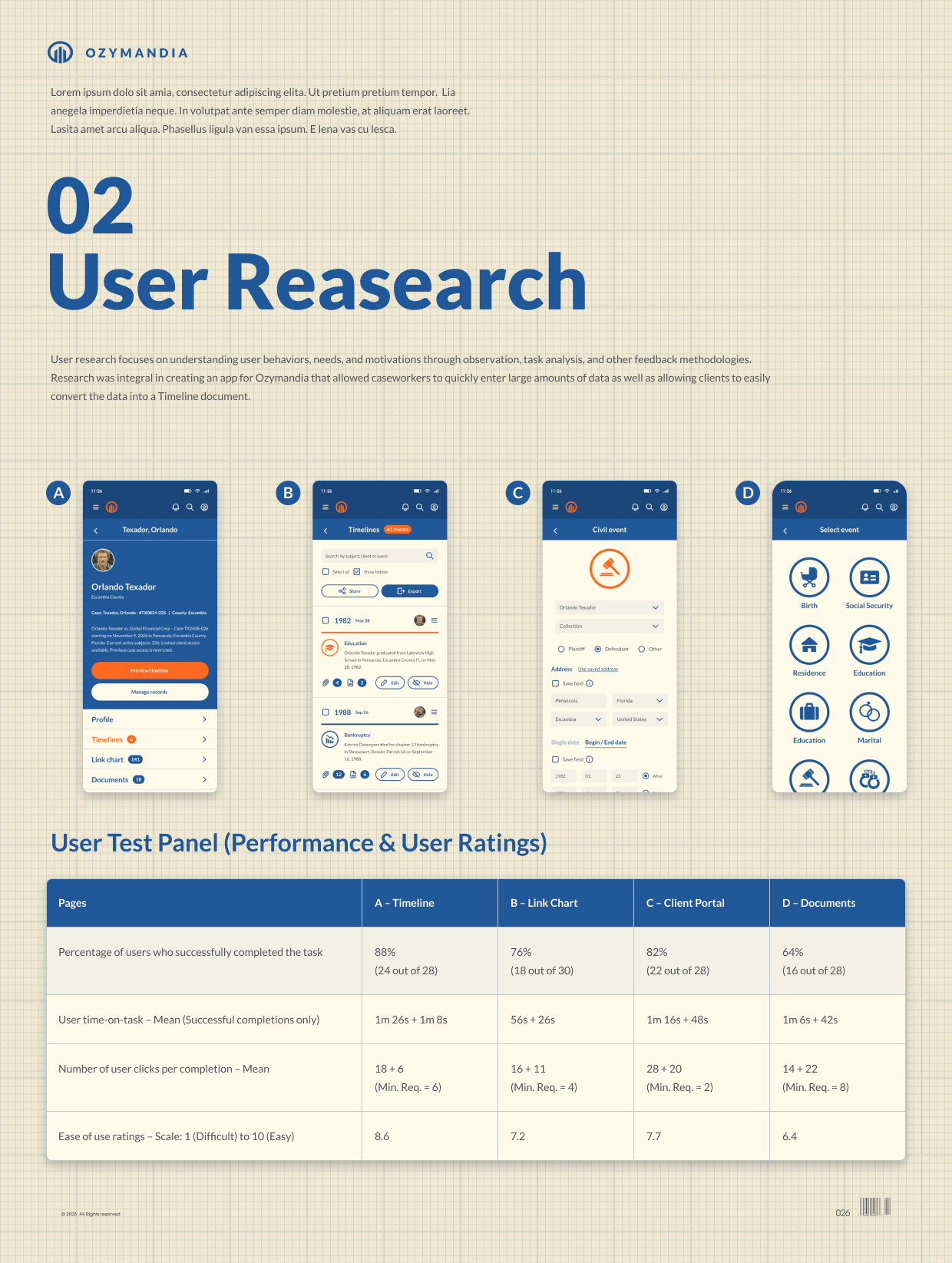
User research focuses on understanding user behaviors, needs, and motivations through observation, task analysis, and other feedback methodologies. Research was integral in creating an app for Ozymandia that allowed caseworkers to quickly enter large amounts of data as well as allowing clients to easily convert the data into a Timeline document.
User Personas
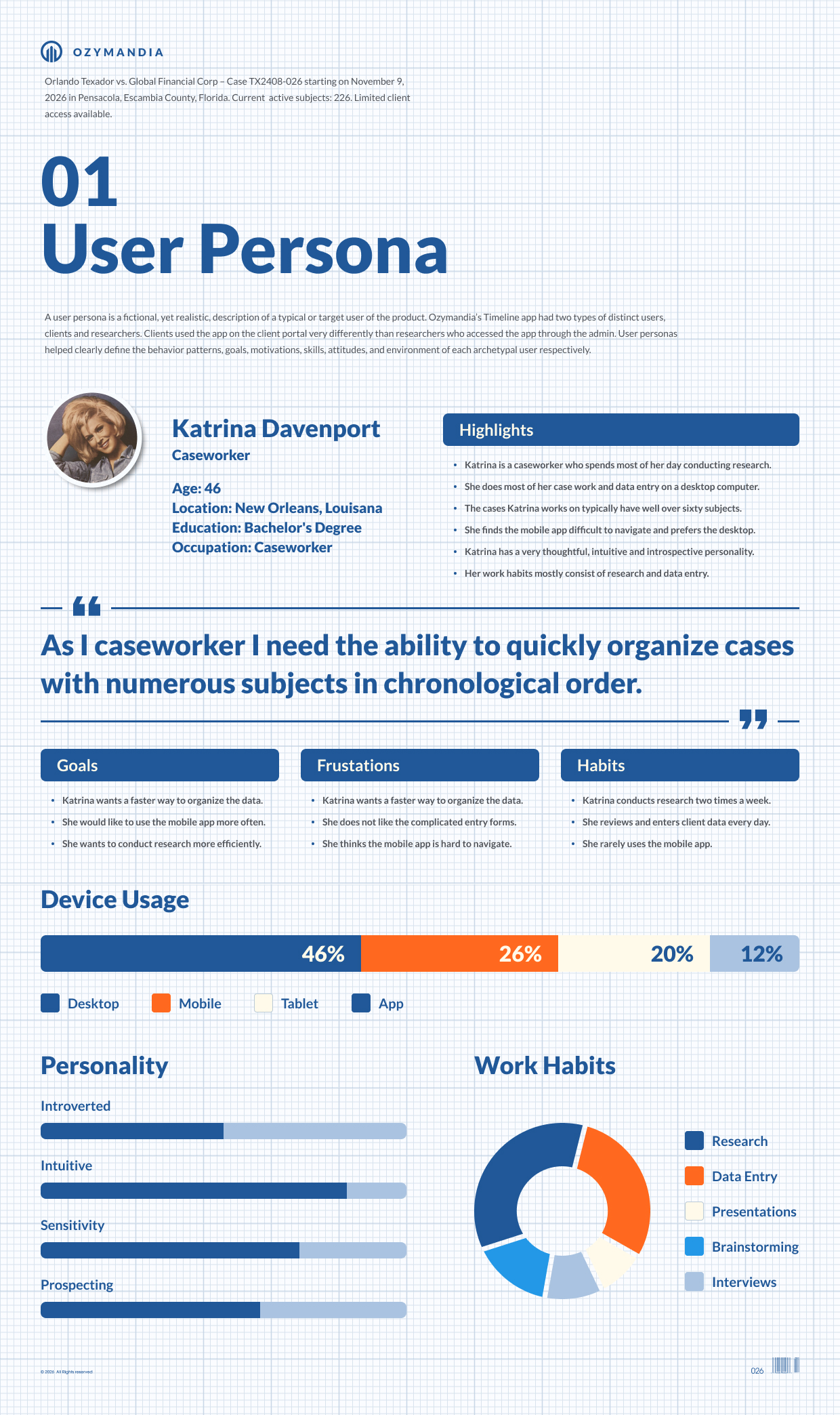
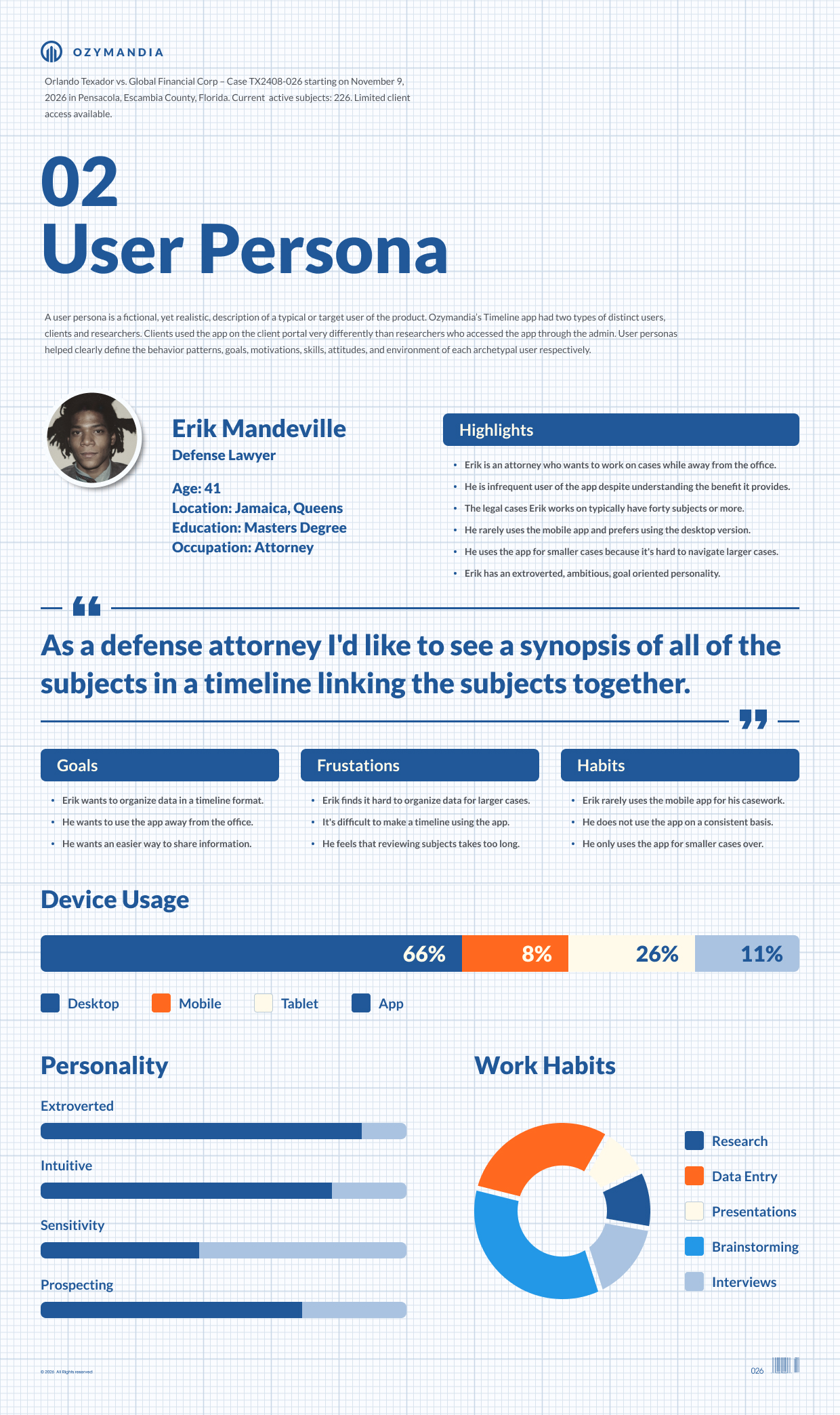
A user persona is a fictional, yet realistic, description of a typical or target user of the product. Ozymandia’s Timeline app had two types of distinct users, clients and researchers. Clients used the app on the client portal very differently than researchers who accessed the app through the admin. User personas helped clearly define the behavior patterns, goals, motivations, skills, attitudes, and environment of each archetypal user respectively.
Sketches
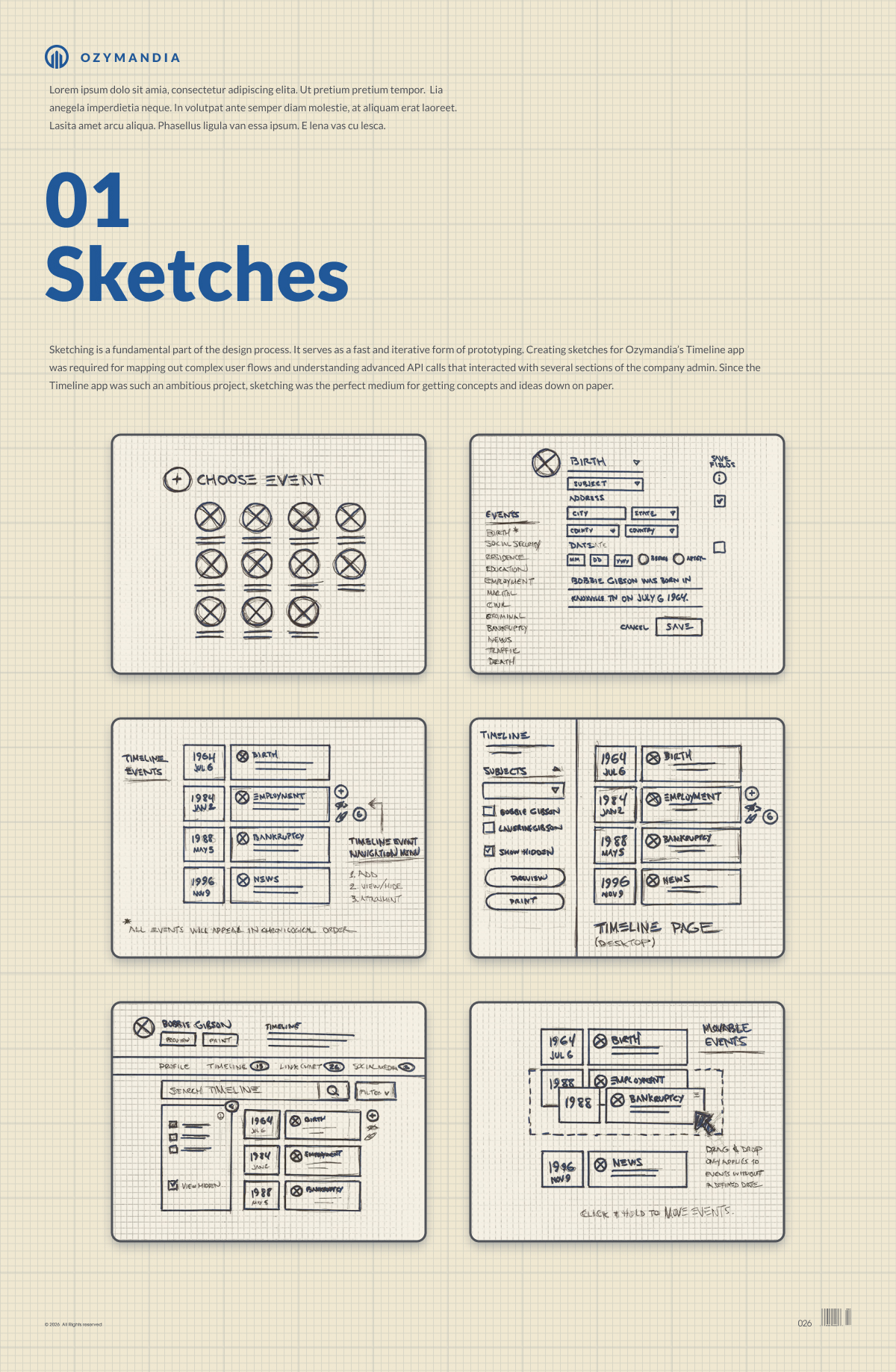
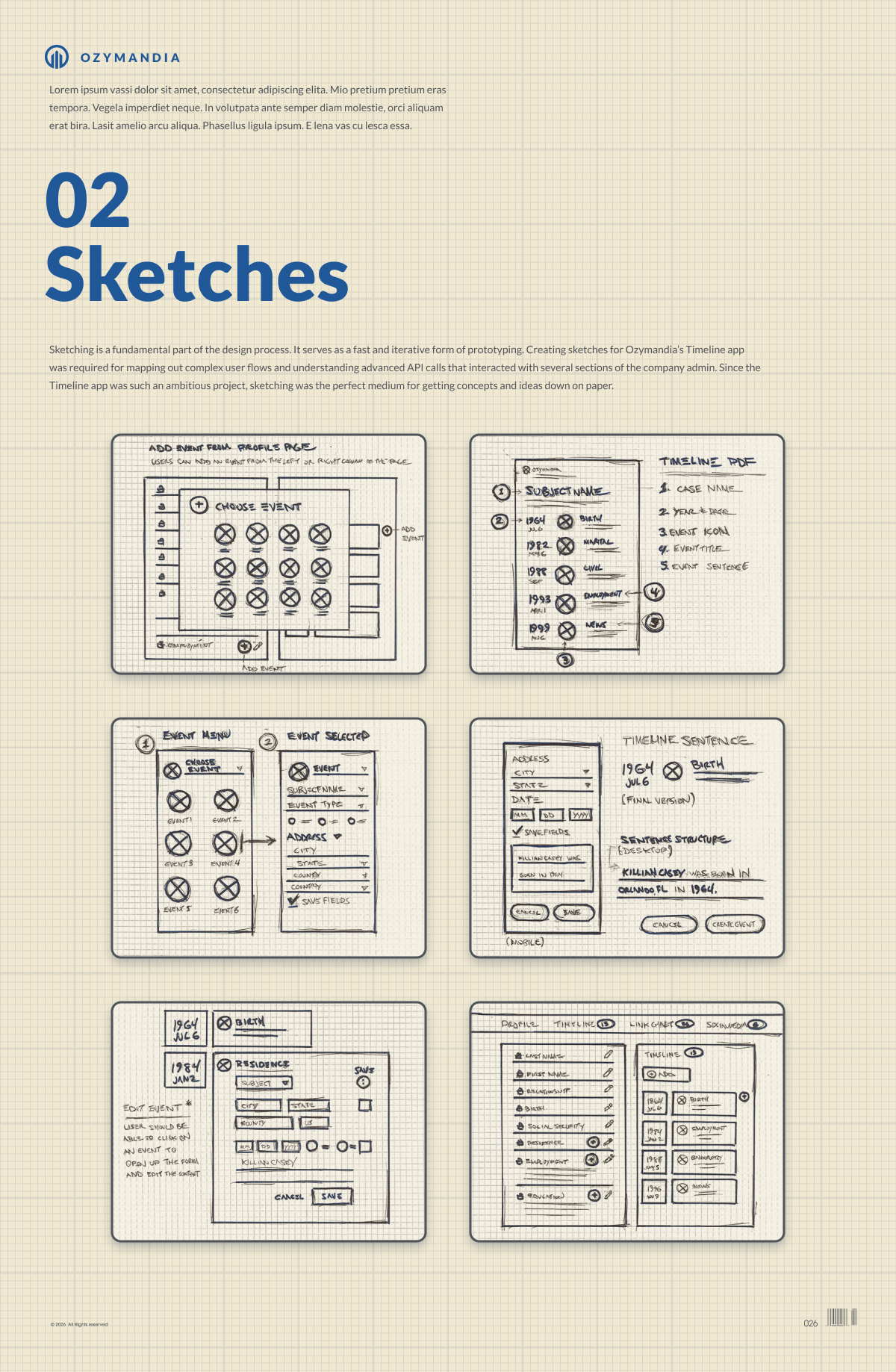
Sketching is a fundamental part of the design process. It serves as a fast and iterative form of prototyping. Creating sketches for Ozymandia’s Timeline app was required for mapping out complex user flows and understanding advanced API calls that interacted with several sections of the company admin. Since the Timeline app was such an ambitious project, sketching was the perfect medium for getting concepts and ideas down on paper.
Flowcharts
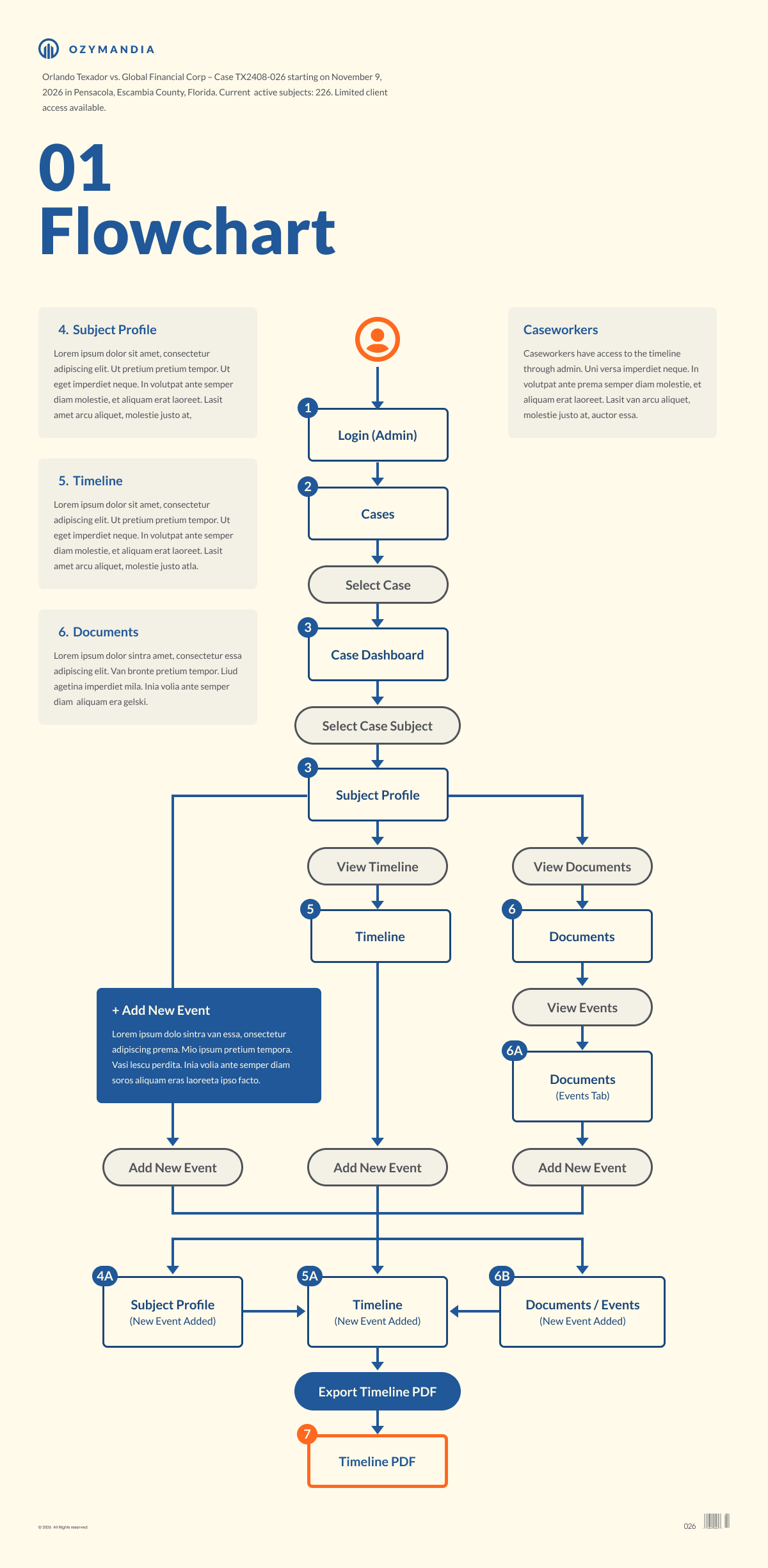
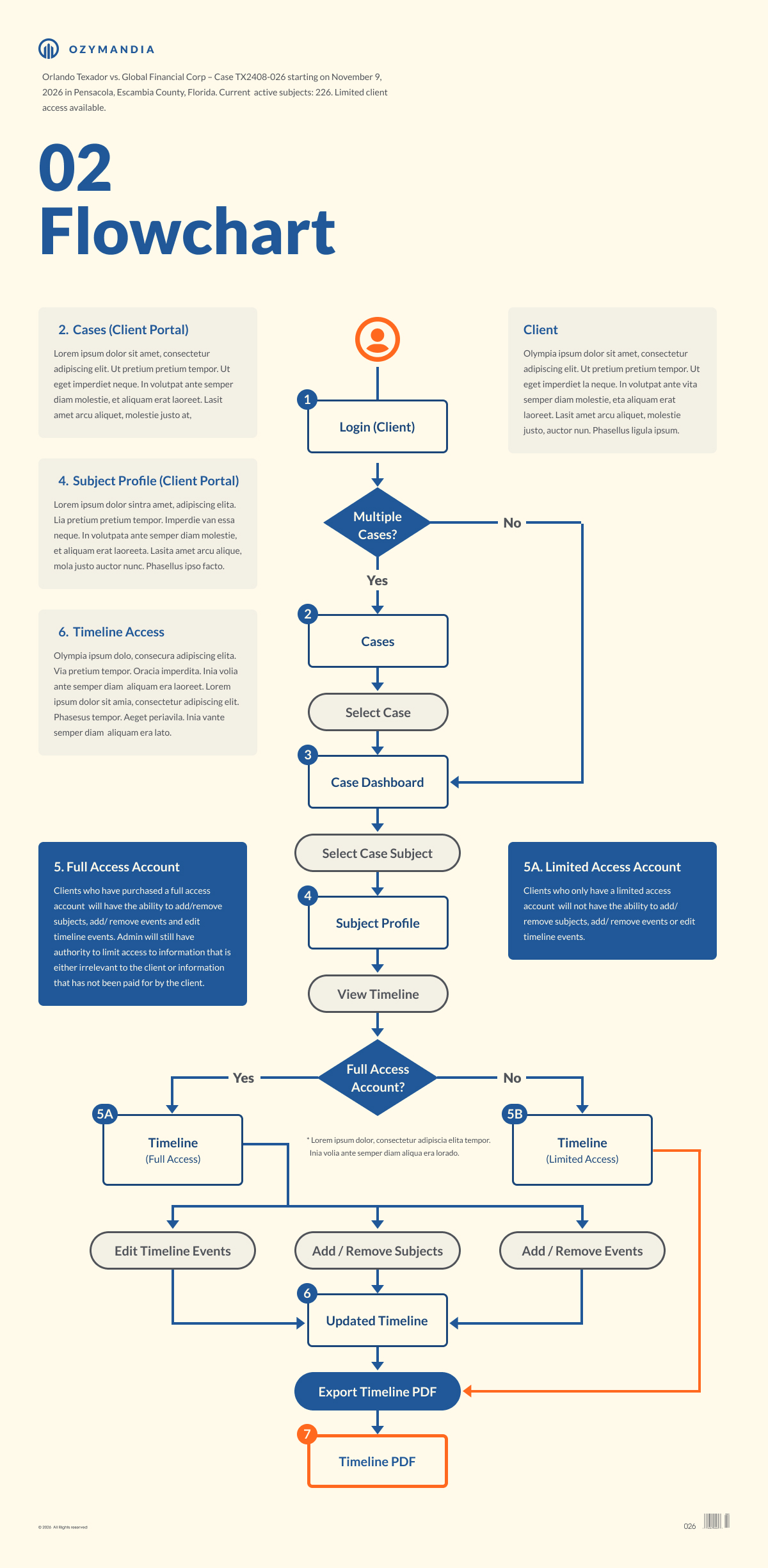
User flows are a visualization of steps by step interactions that a user needs to complete a specific task on a website or app. In the case of Ozymandia’s Timeline app, a user would ultimately have four separate ways to accomplish creating a Timeline project. User flows were crucial to the UX process and provided an effective way to convey to stakeholders and developers how a user would complete each specific task.
Wireframes
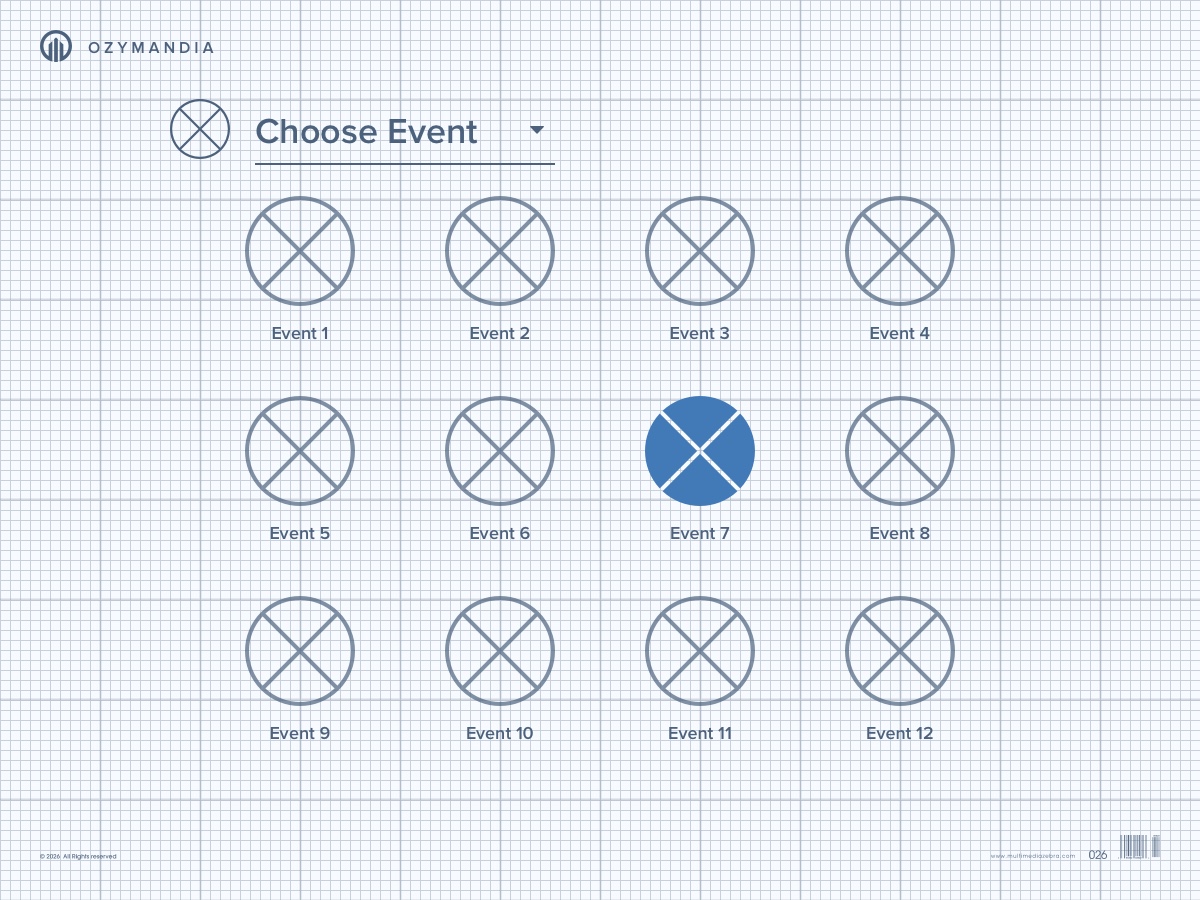
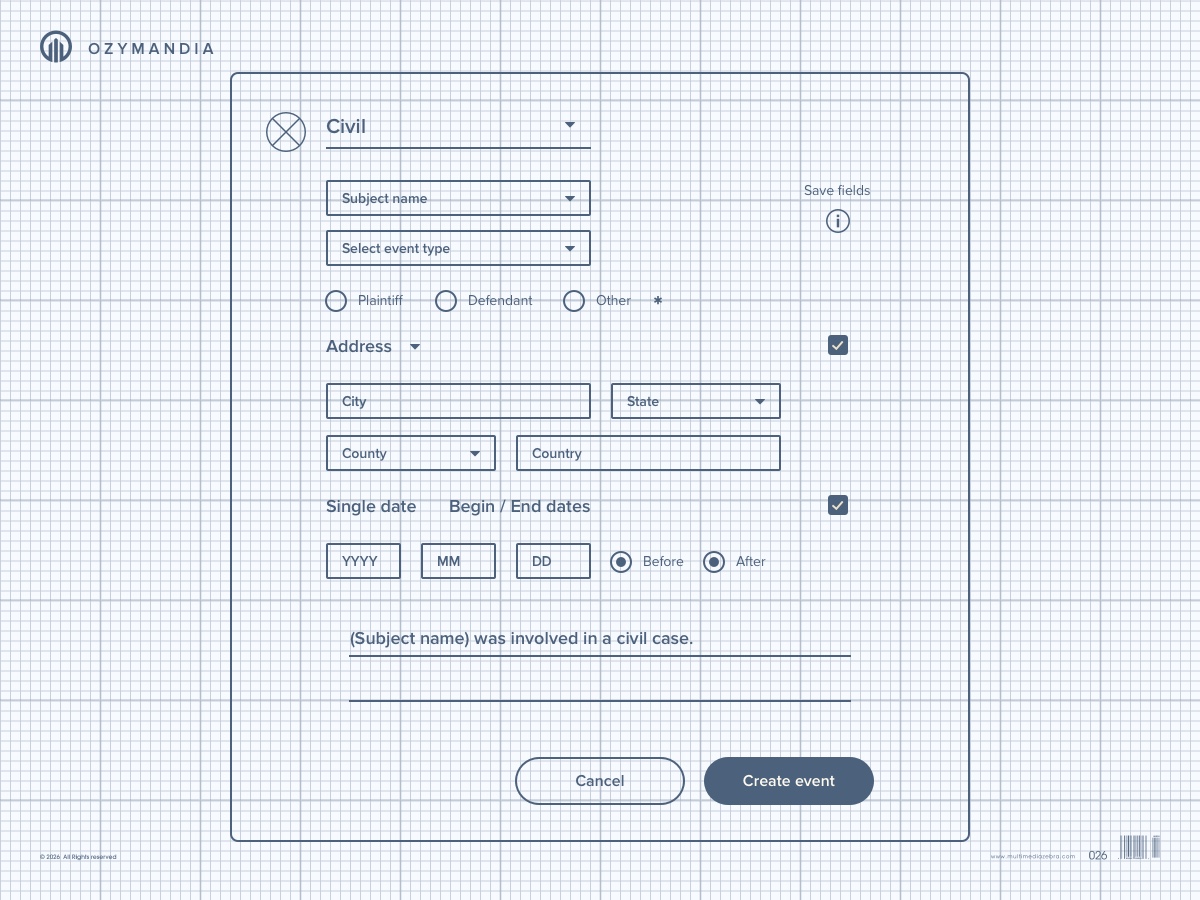
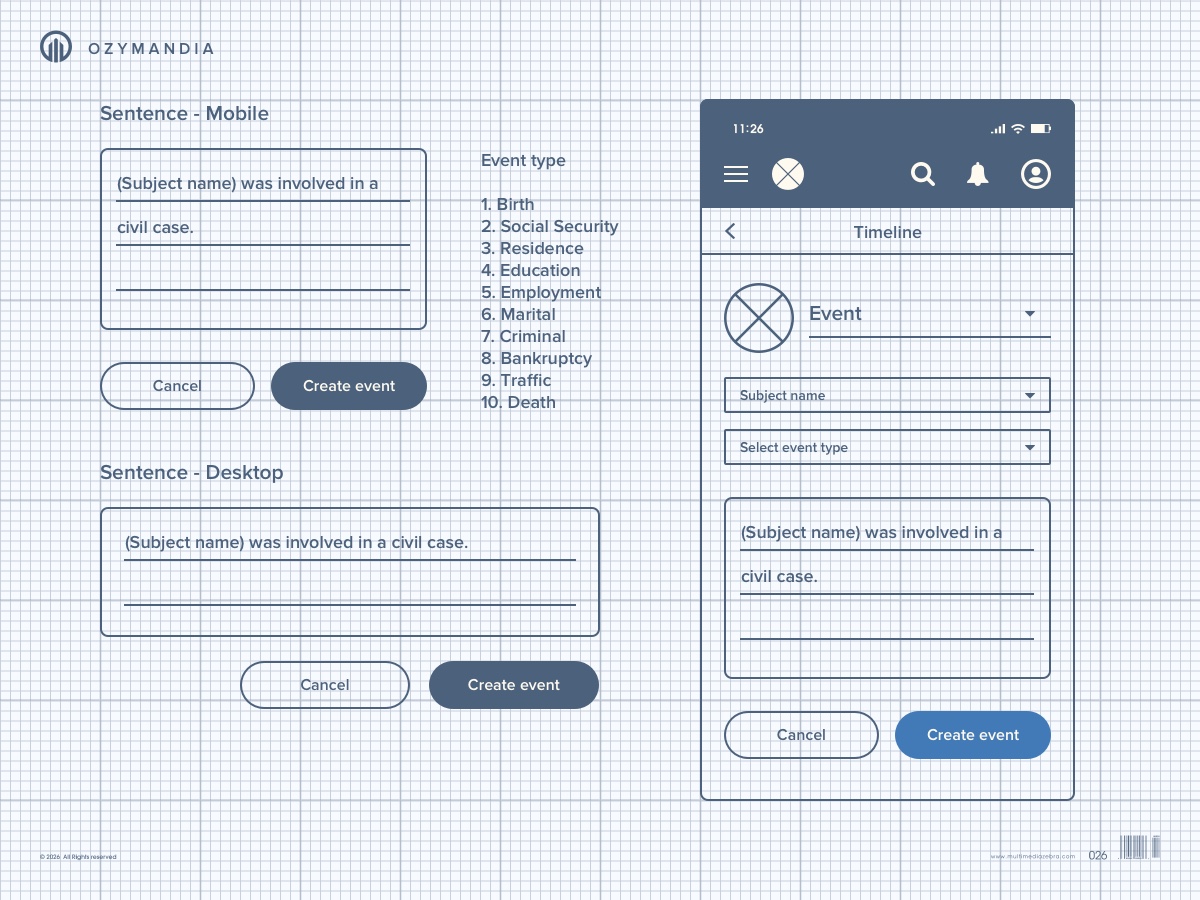
Wireframes are a visual blueprint that represents the skeletal framework of a design. It’s a quick and effective way to communicate user flows and detect usability issues early on in the design process. Wireframes played an essential role in mapping out Ozymandia Timeline’s complex user flows as well as the app’s interaction with the company admin and client portals.
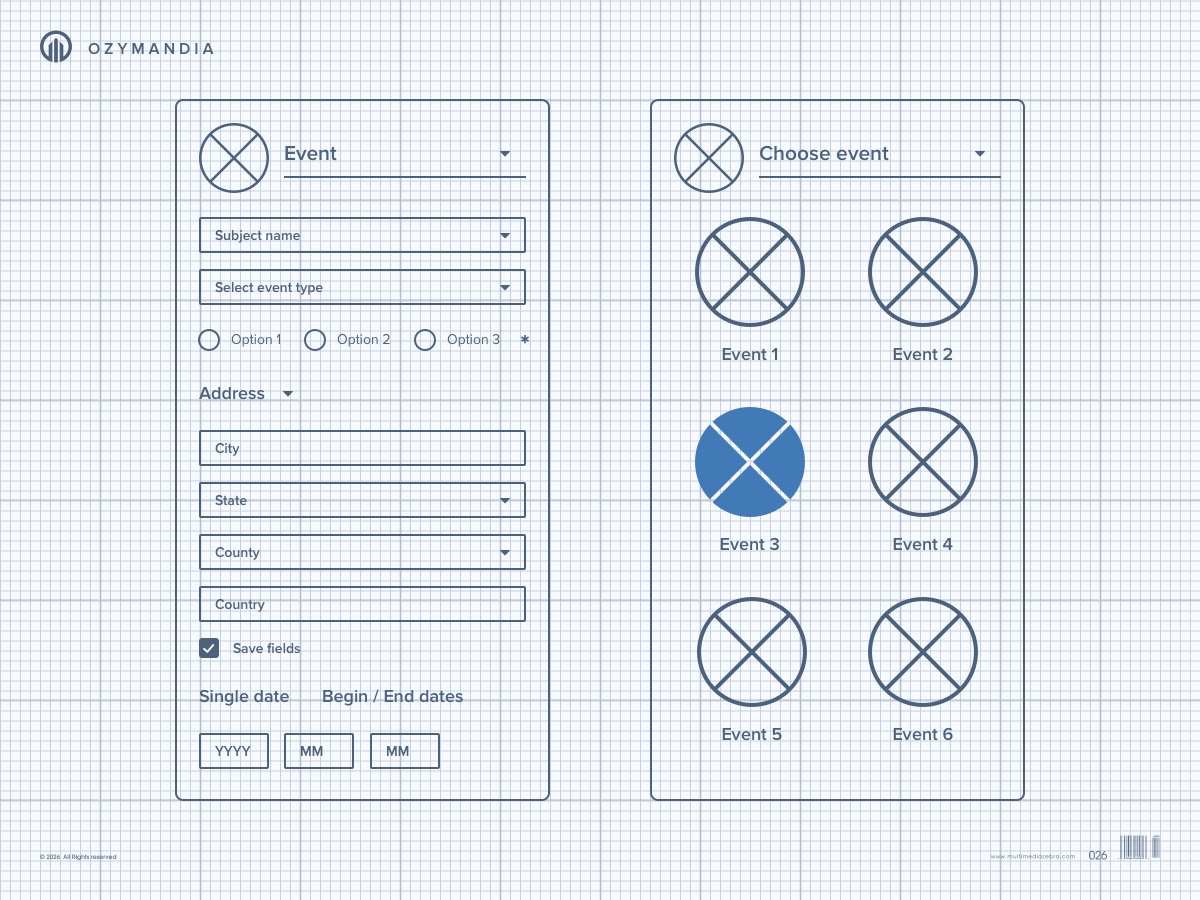
Product Design
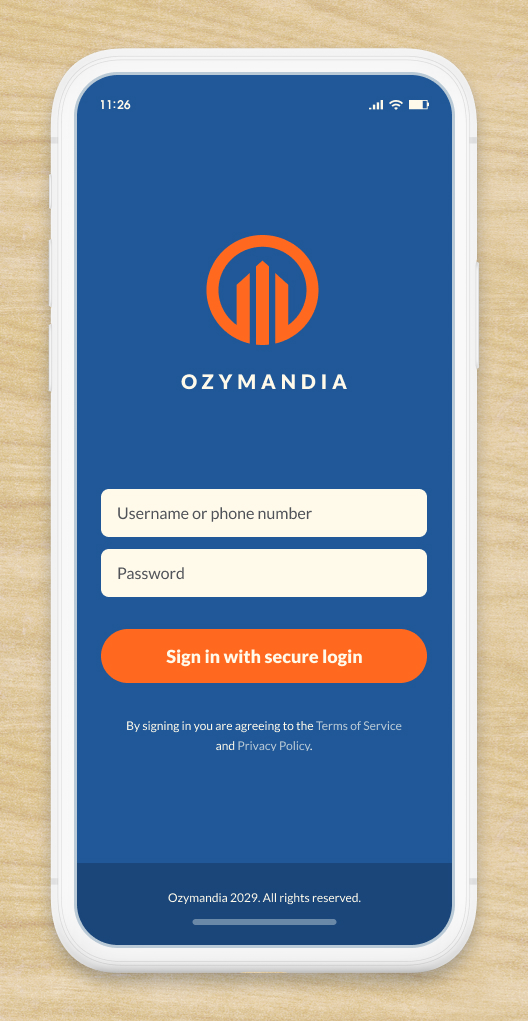
Visual design is an important step to completing a thorough design process. User Interaction (UI) is the use of imagery, color, shapes, typography, and form to enhance usability and improve the user experience. Ozymandia’s brand consisted of several independent applications so the user experience heavily relied on a well thought out design system that provided a unified vision throughout the various apps.
View Product Design Return Home
Portfolio
Click on the links below to view featured portfolio case studies.