JBX > Vulcan > UX Process
Vulcan - UX Process
Vulcan Digital Media Case Study
Sketch, Figma, InVision, Adobe CC, Flinto, Zeplin, User Zoom
User Research • Prototyping • User Flows • Flowchart • Ecosystem
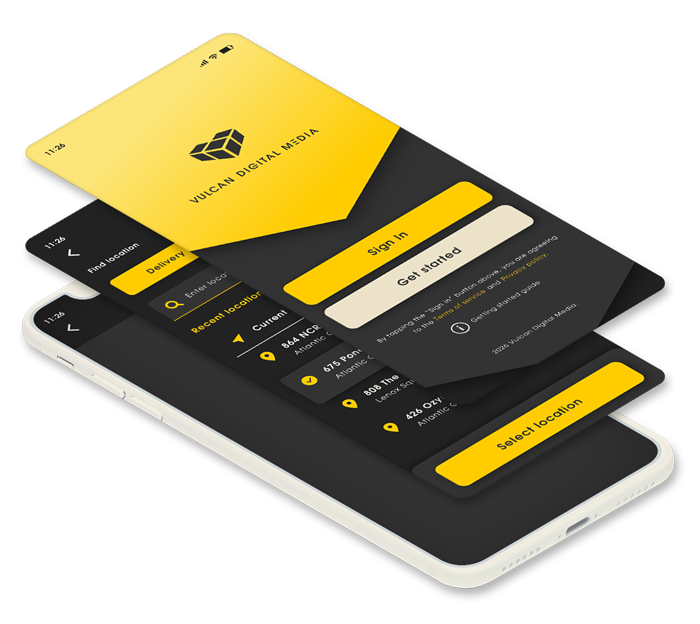
Vulcan Digital Media prototype is based on a project designed for NCR. For promotional use only.
Problem
Many of Vulcan Digital Media’s customers repeatedly order the same items over and over again. Customers need a quick ordering process for previously purchased orders.
Solution
Our team created a “Quick Order” feature that allows users to easily find their order history and repurchased orders using as few clicks as possible. Third Party Delivery feature was also added to expedite the Quick Order delivery process.
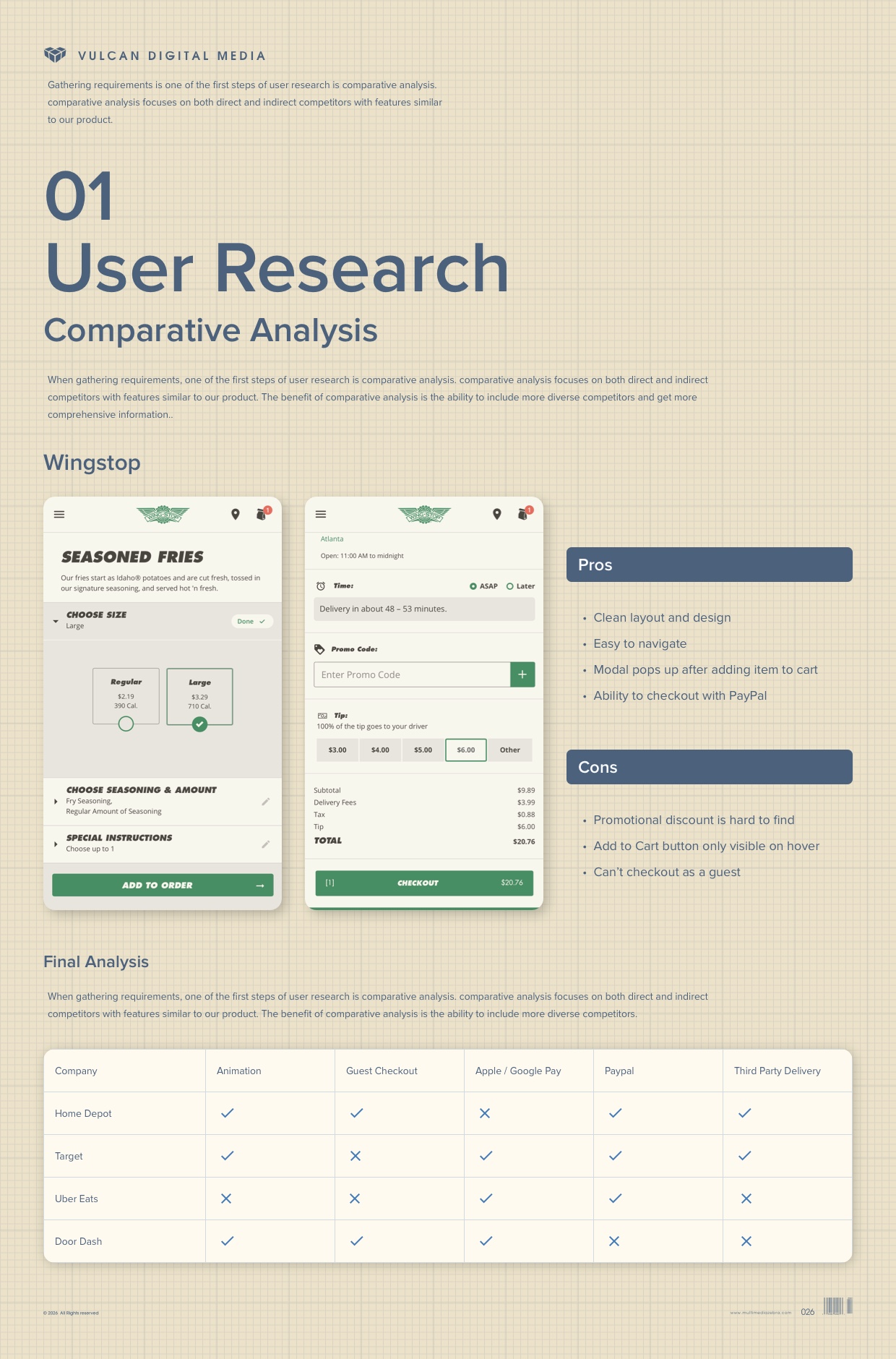
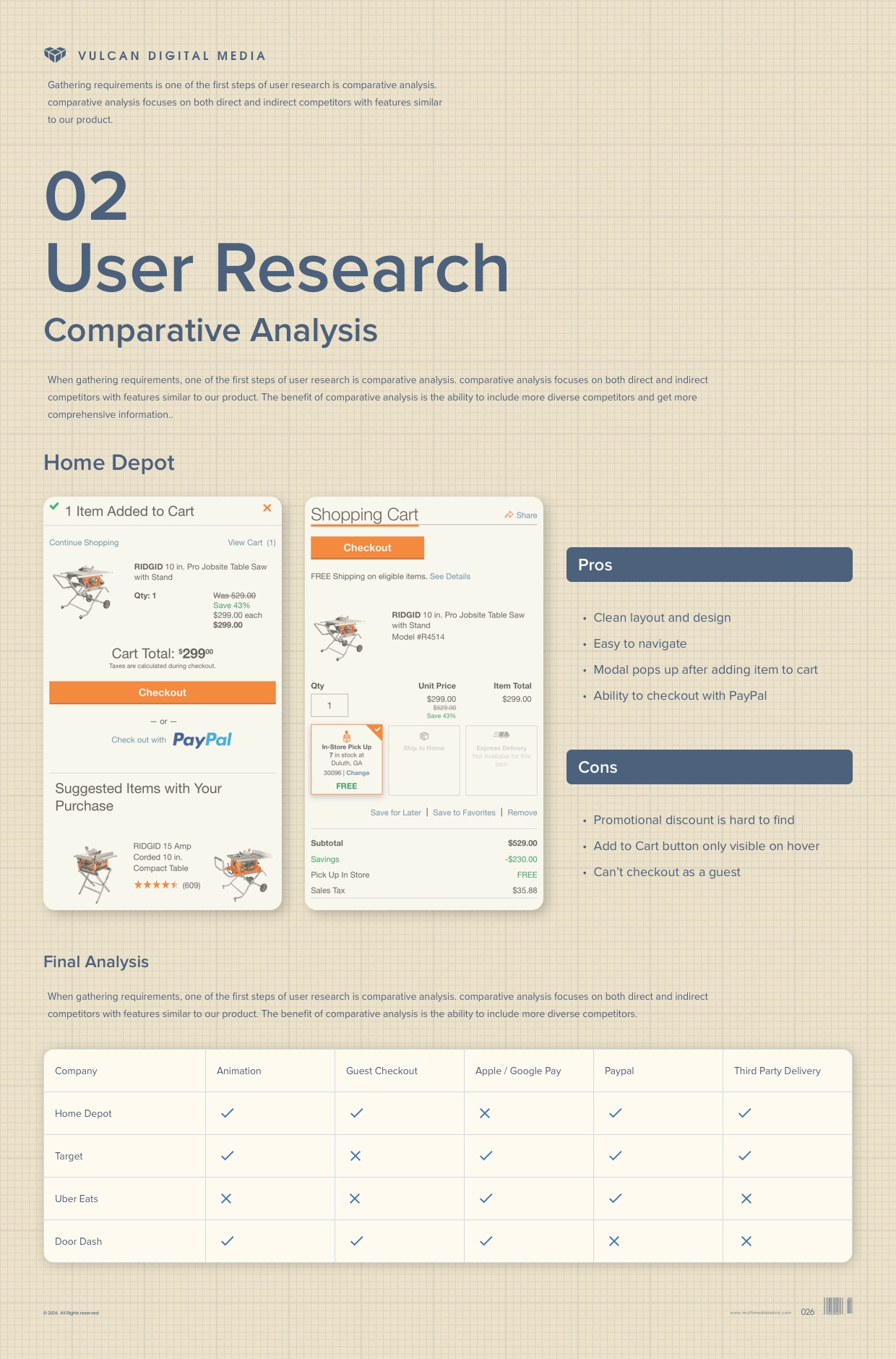
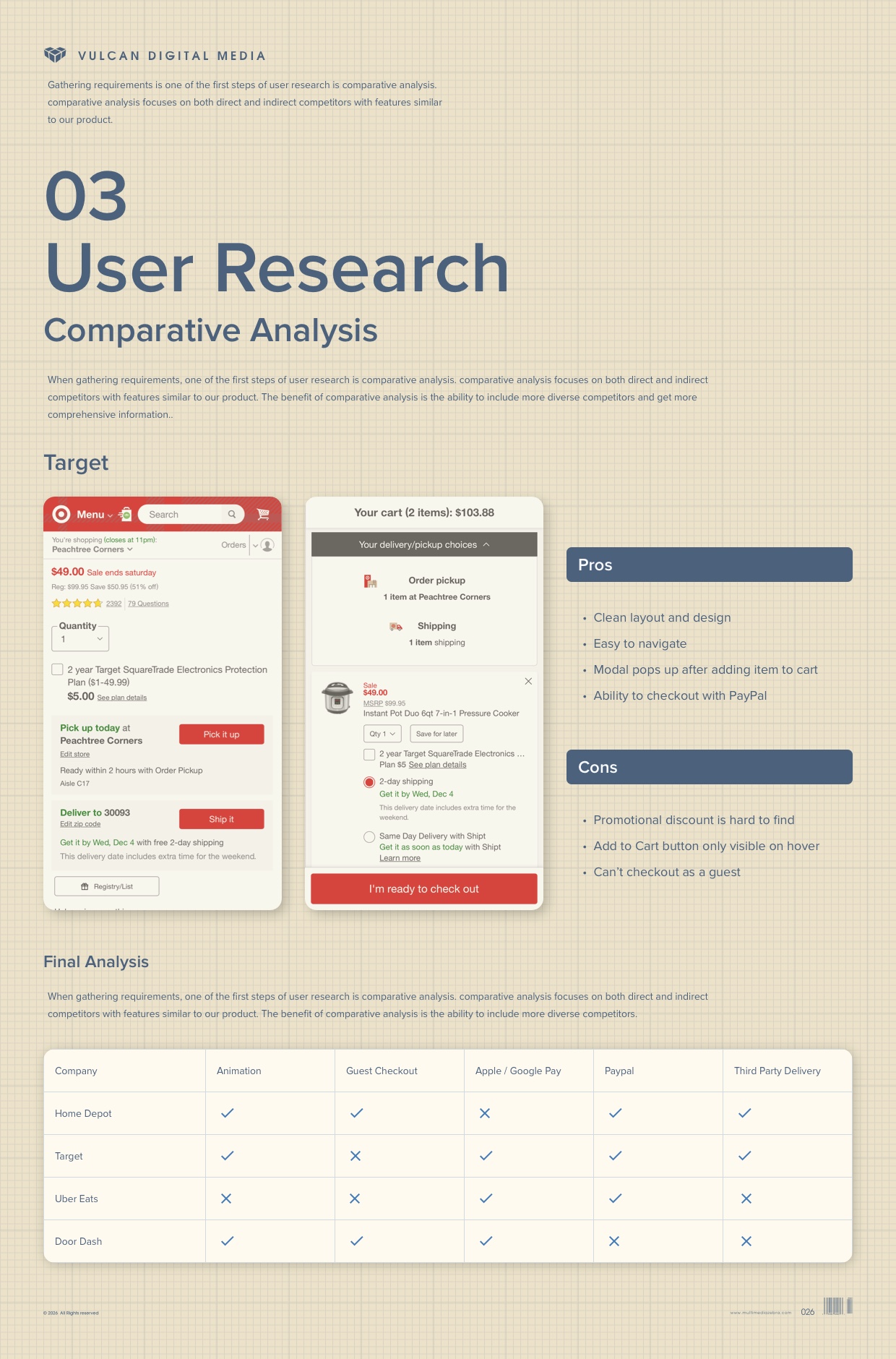
User Research - Comparative Analysis
When gathering requirements, one of the first steps of user research is comparative analysis. Comparative analysis focuses on both direct and indirect competitors with features similar to our product. The benefit of comparative analysis is the ability to include more diverse competitors and get more comprehensive information. Companies with robust ordering and delivery capacities such as Home Depot, Target, Uber Eats and Door Dash were all thoroughly examined before creating Vulcan Digital Media’s Quick Order and Third Party Delivery features.
Prototyping - Low Fidelity
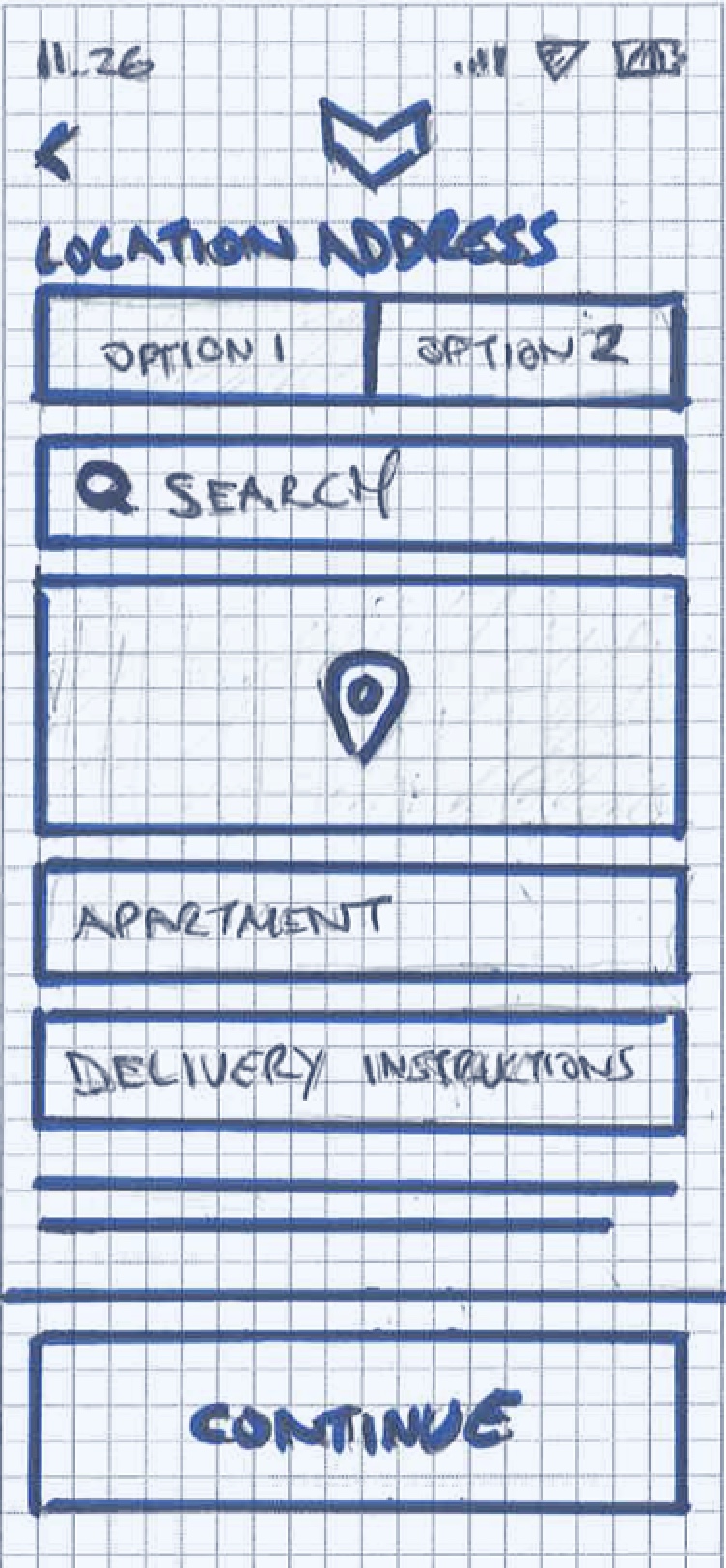
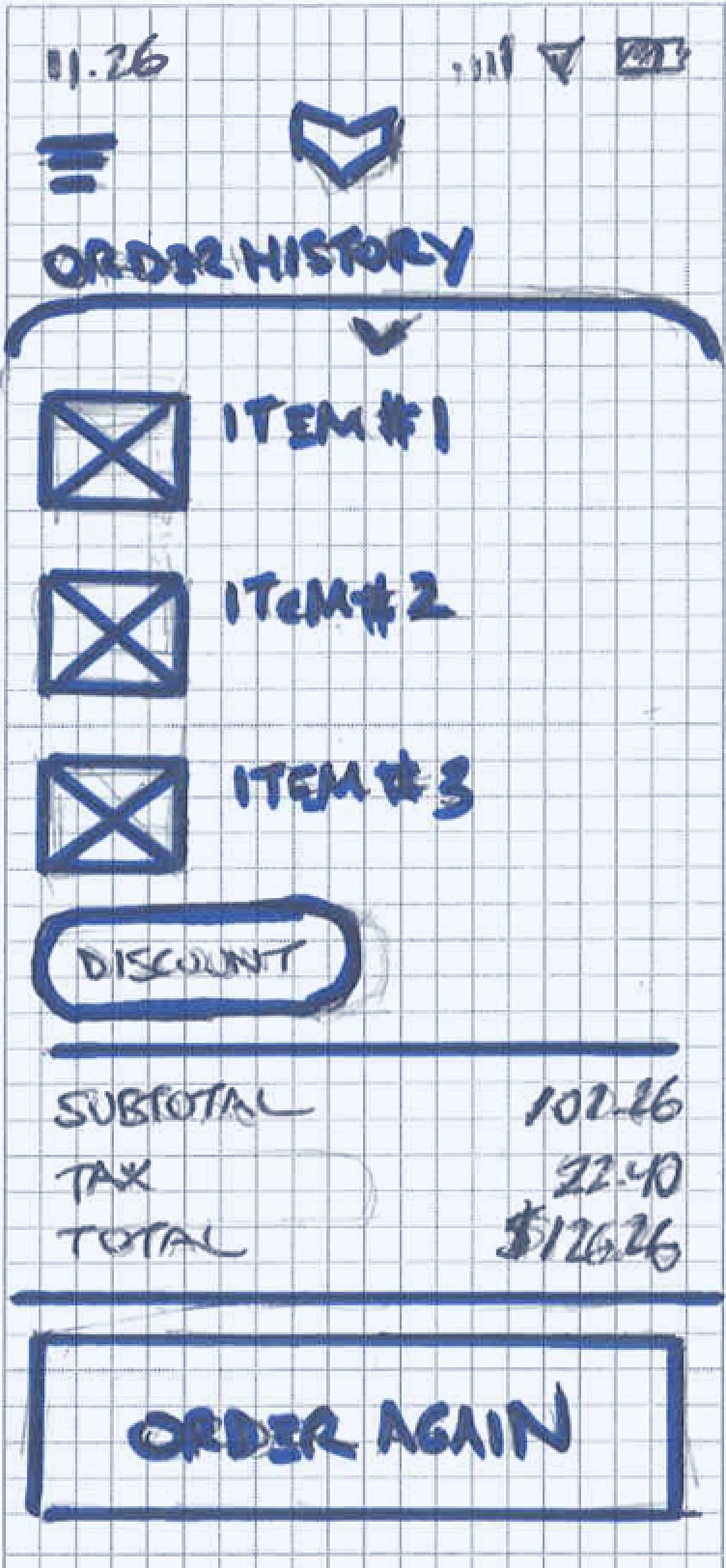
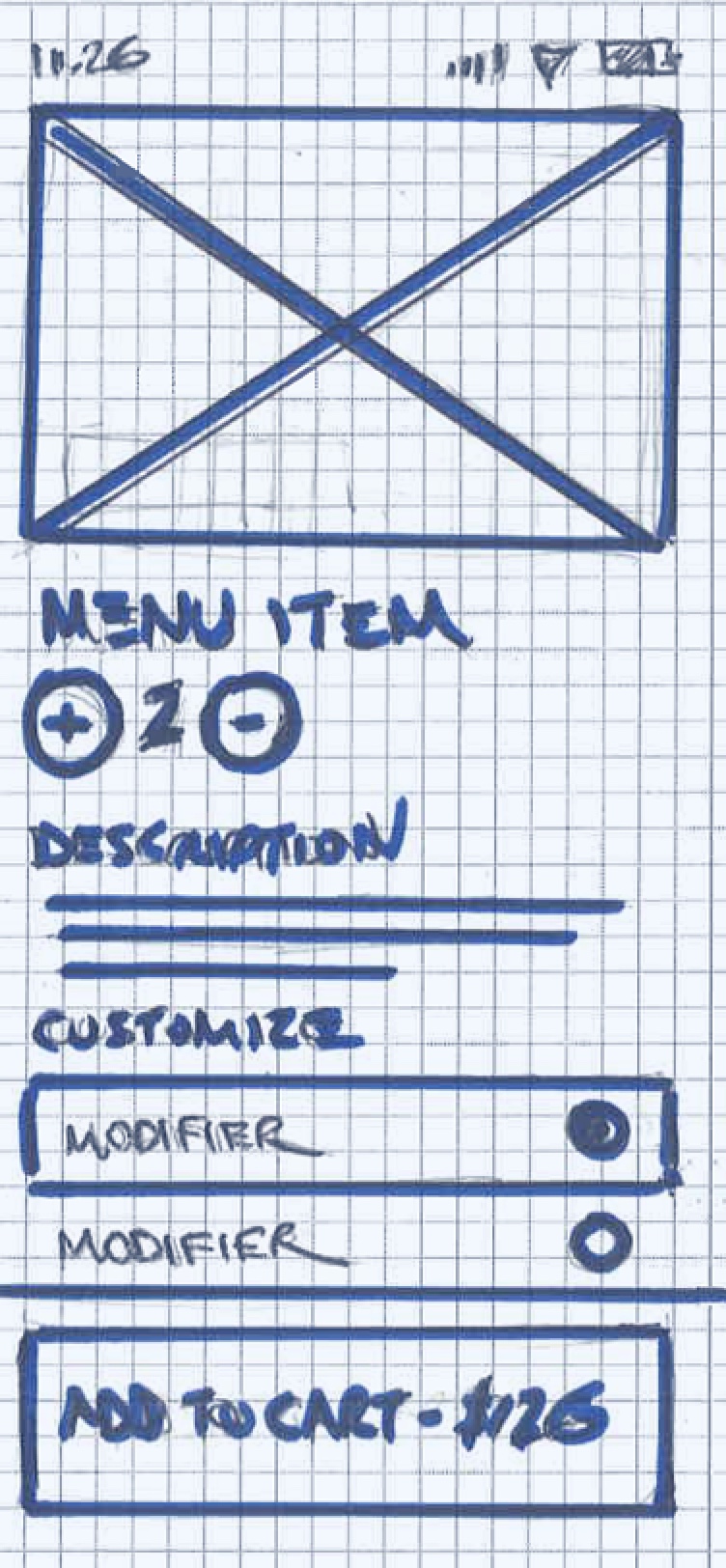
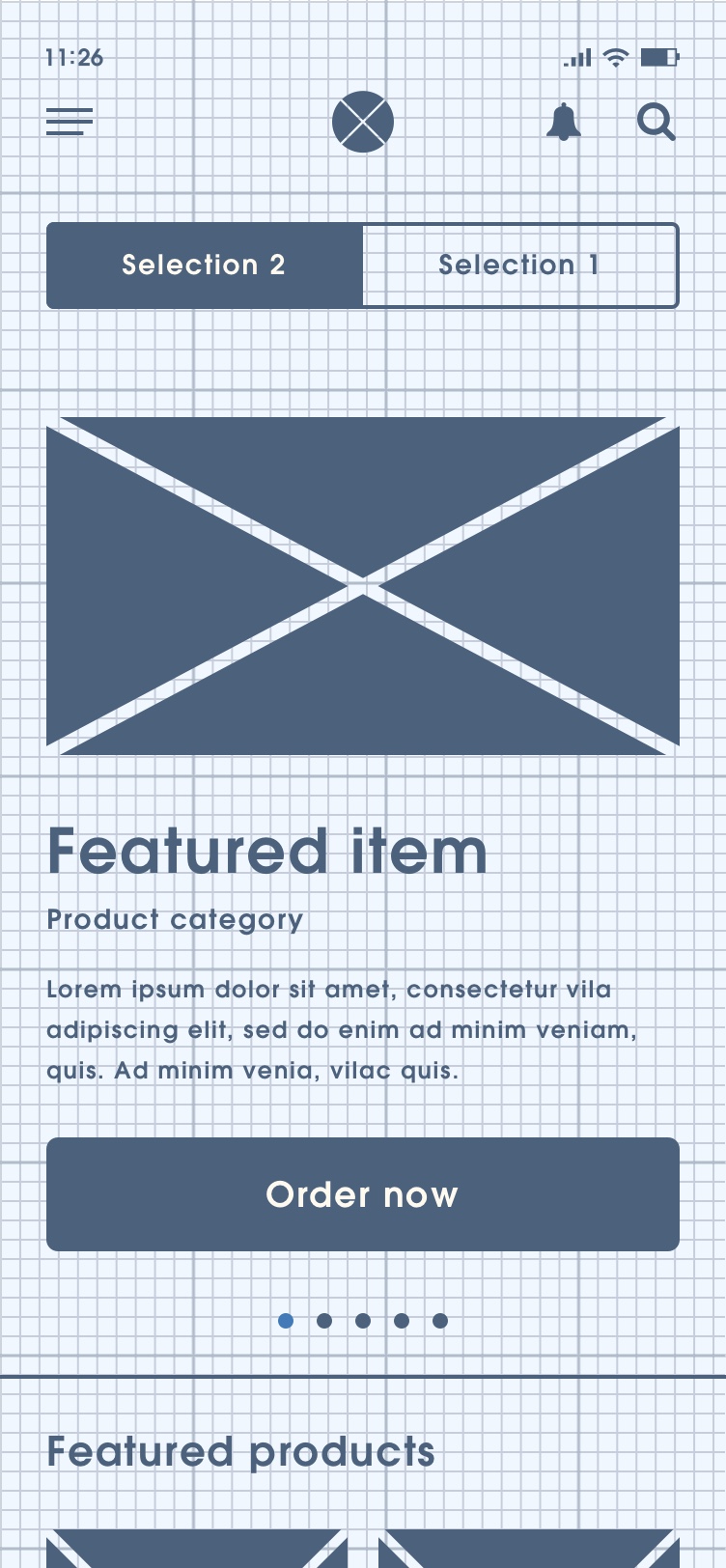
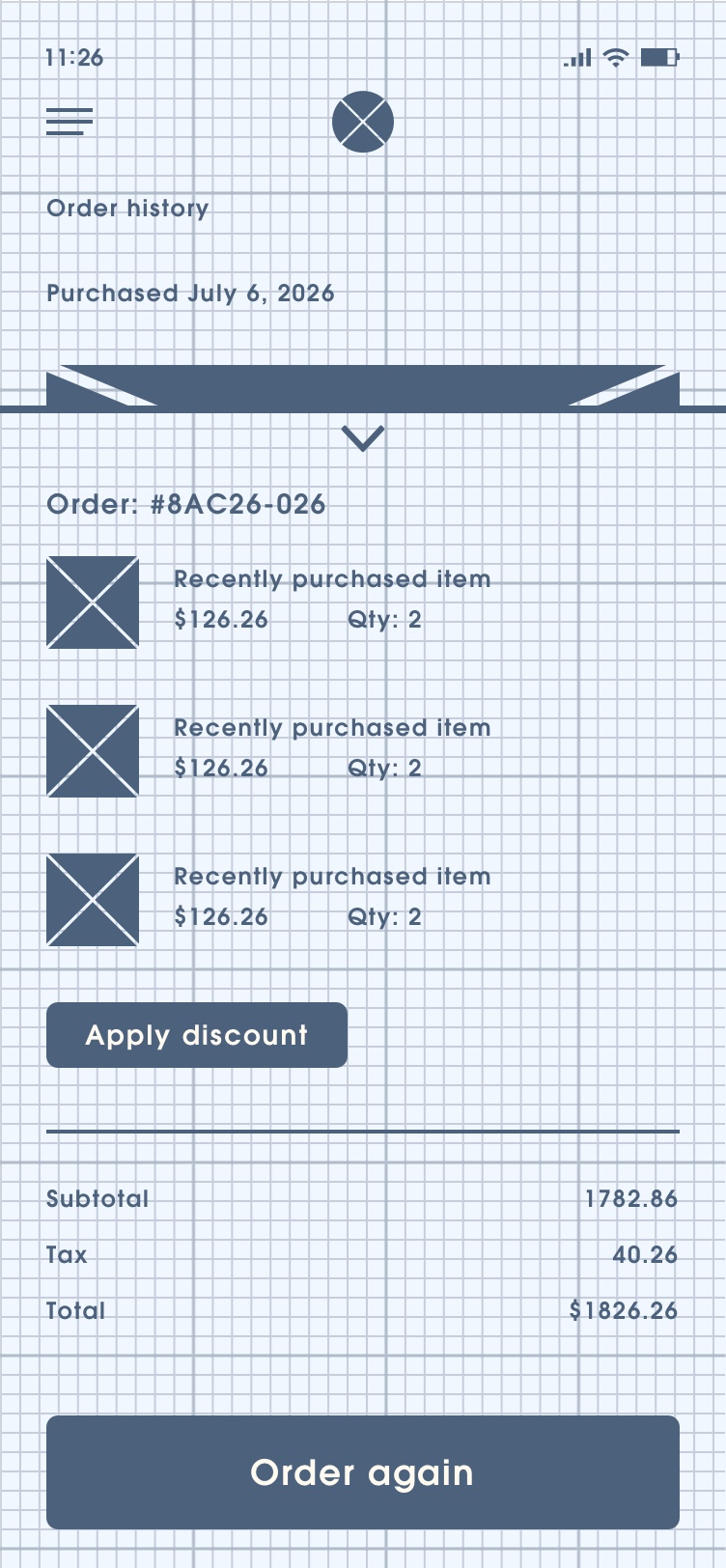
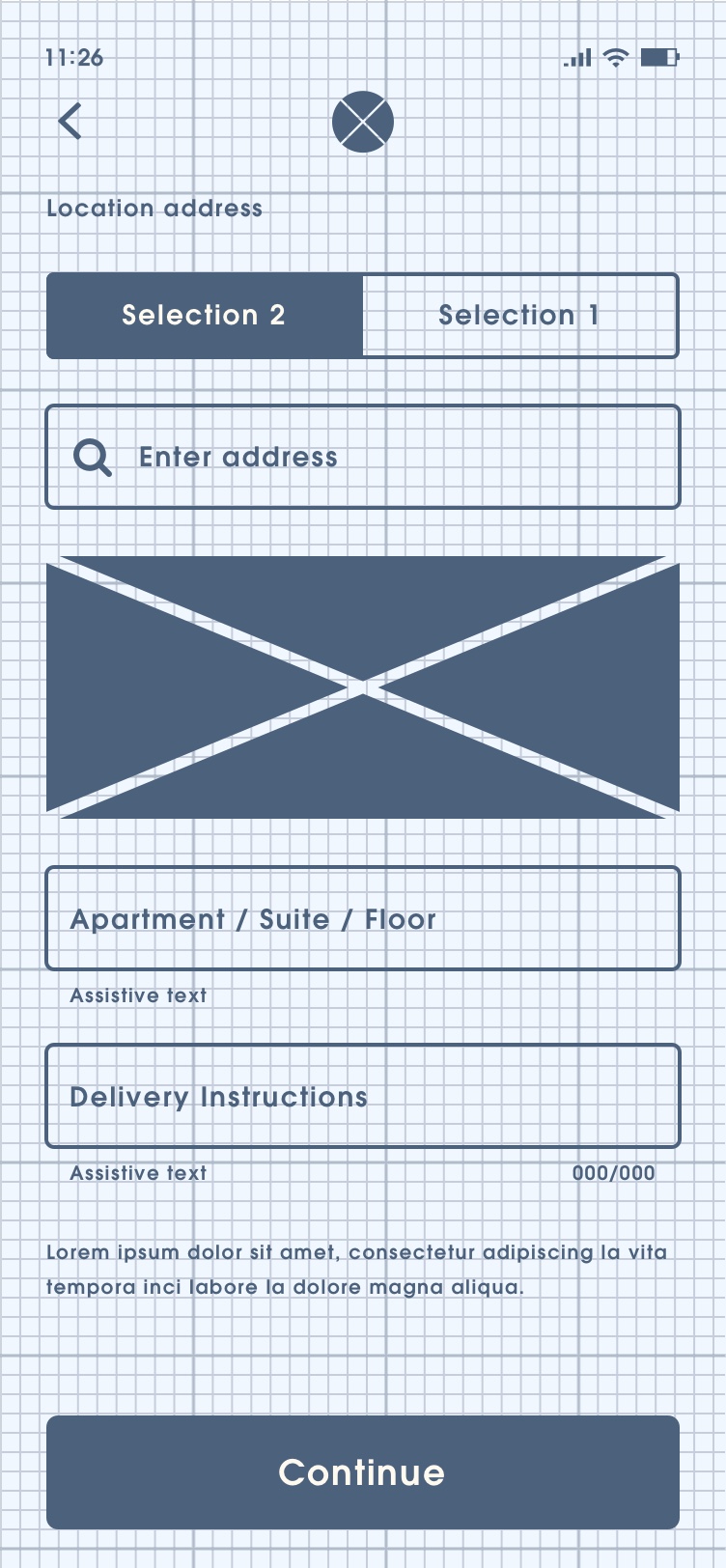
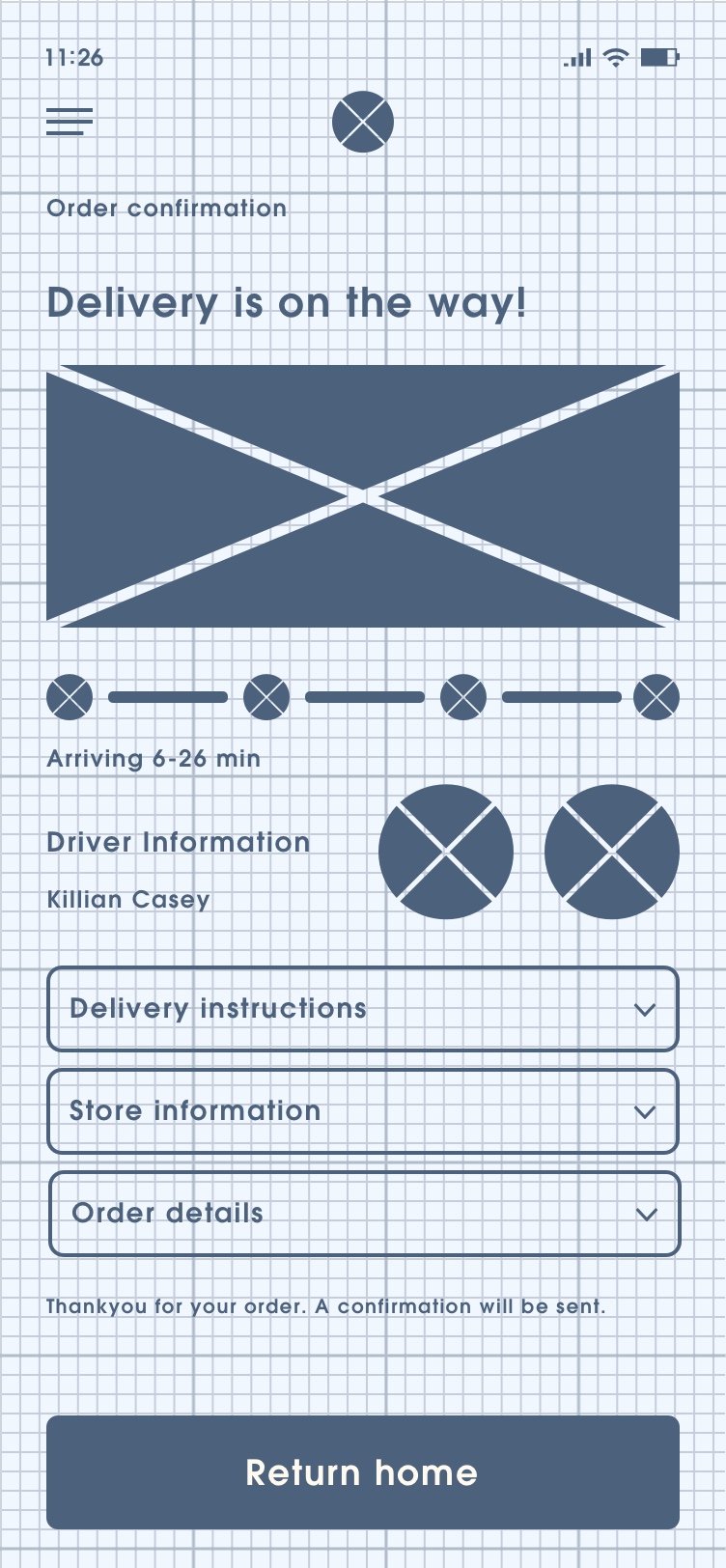
Low-fidelity prototypes are rough representations of designs that help formulate concepts early on in the user experience process. Low-fidelity prototypes can be anything from sketches on paper to clickable wireframes. Sketches and wireframes can allow for rapid iteration of designs at low cost. These simple forms of prototyping improved the ability work through the complexity of online ordering, advanced API calls and extensive user customization options which greatly benefited Vulcan Digital Media’s overall customer experience.
Sketches

Wireframes


User Flows
User Flows are the deliverables visualizing the complete path that users will follow in order to complete a solution. A user flow lays out the user's movement through the product, mapping out each and every step from entry point right through to the final interaction. User flows were instrumental in communicating Vulcan Digital Media’s Quick Order feature to stakeholders and for creating the best experience for modifying users item selections before purchase.
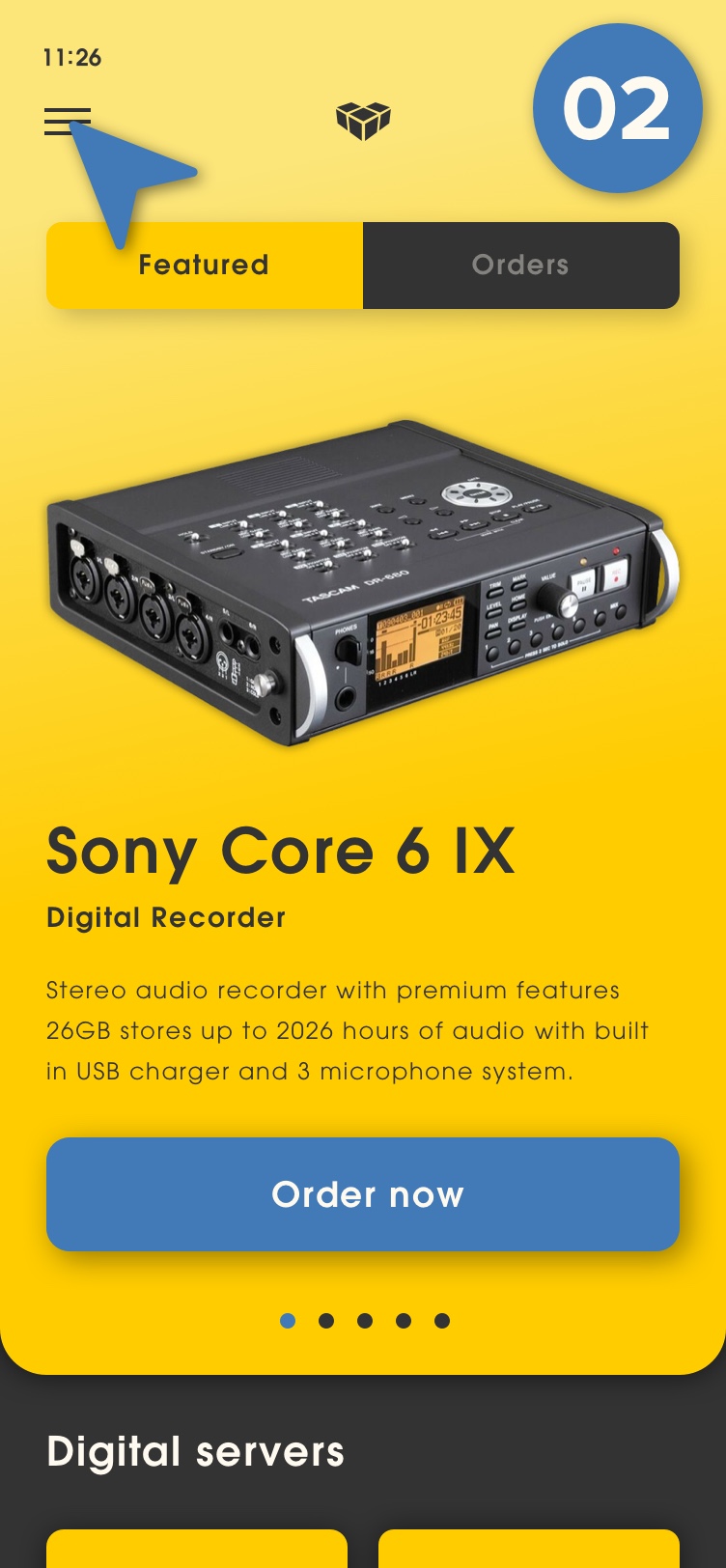
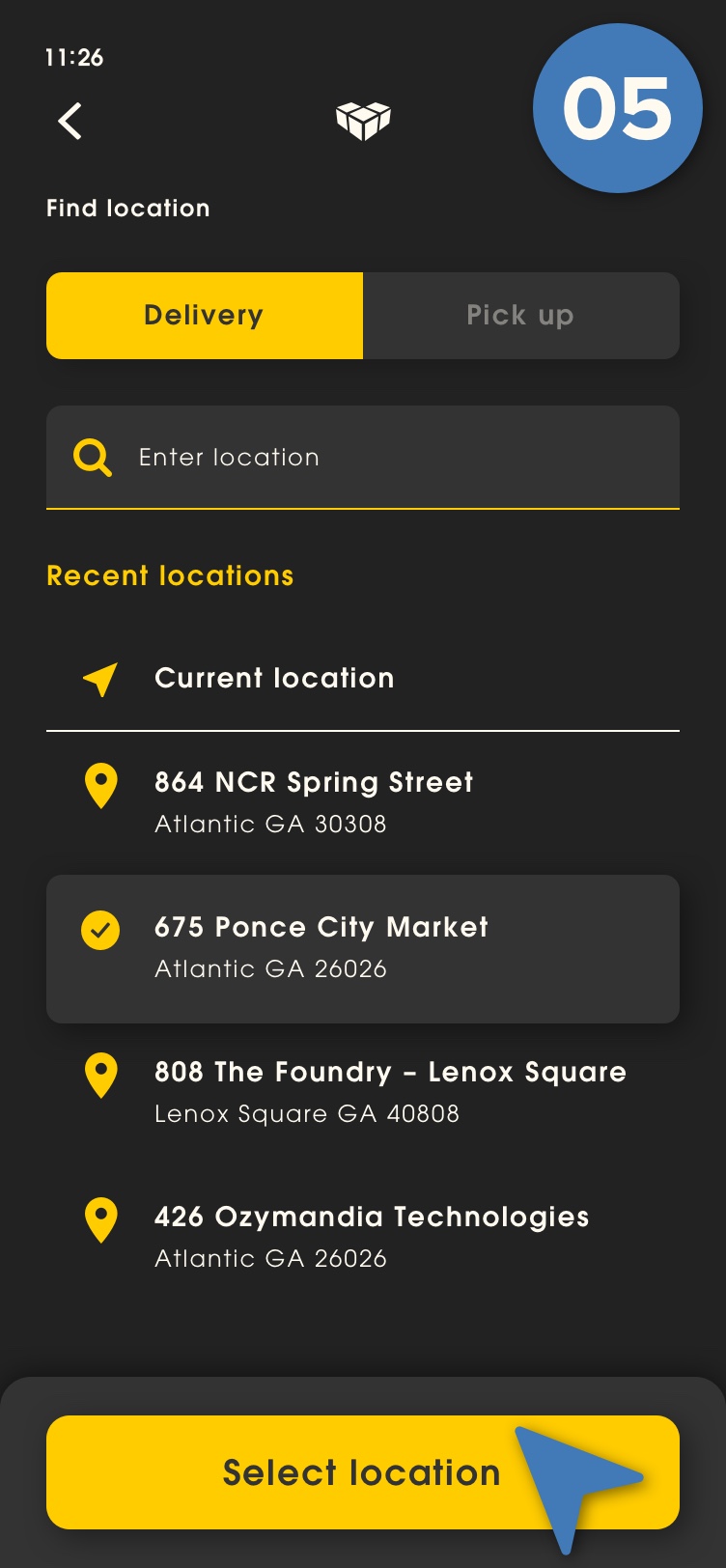
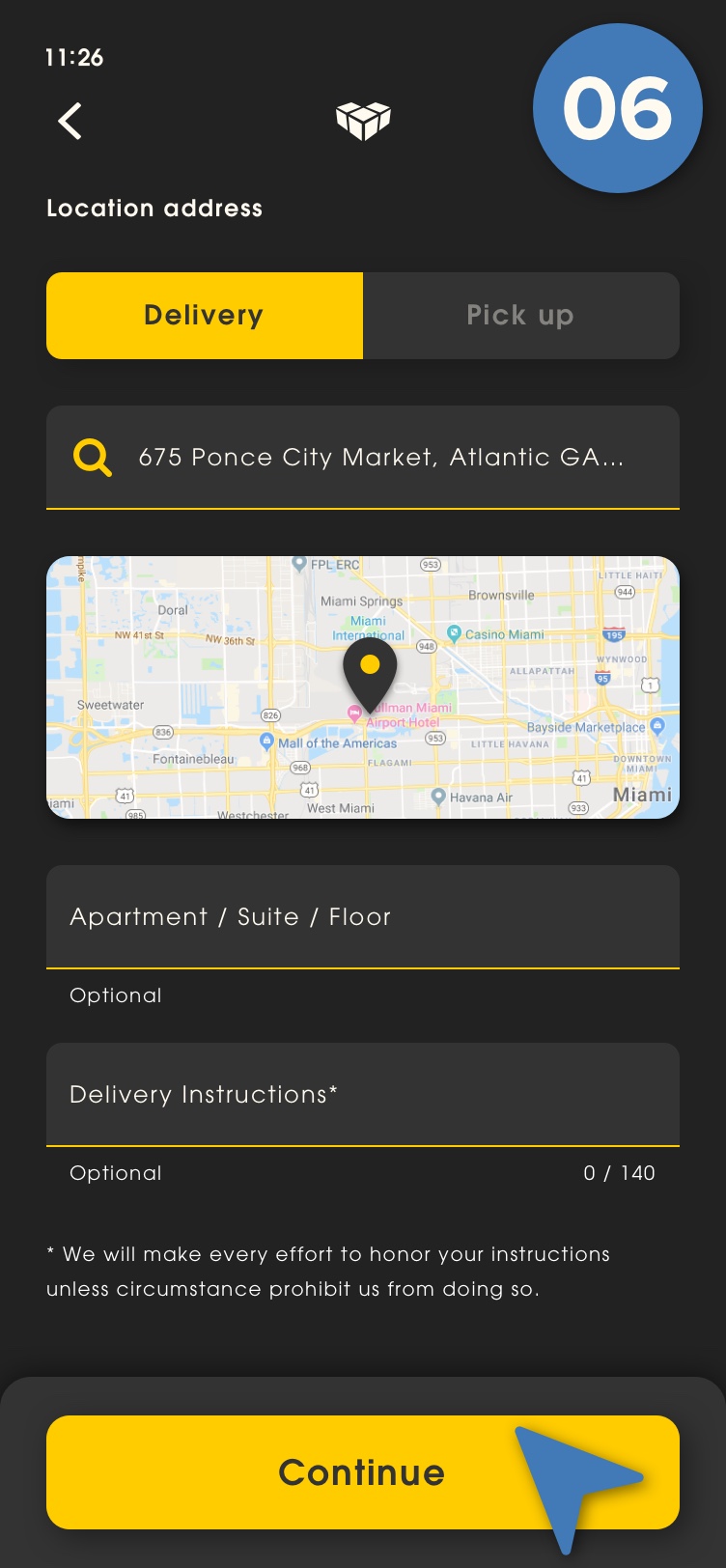
Quick Order Delivery – Happy Path
As a customer I need the ability to view a history of previous orders, select a previous order and proceed to checkout quickly using the saved delivery instructions that my account has saved from my previous order.





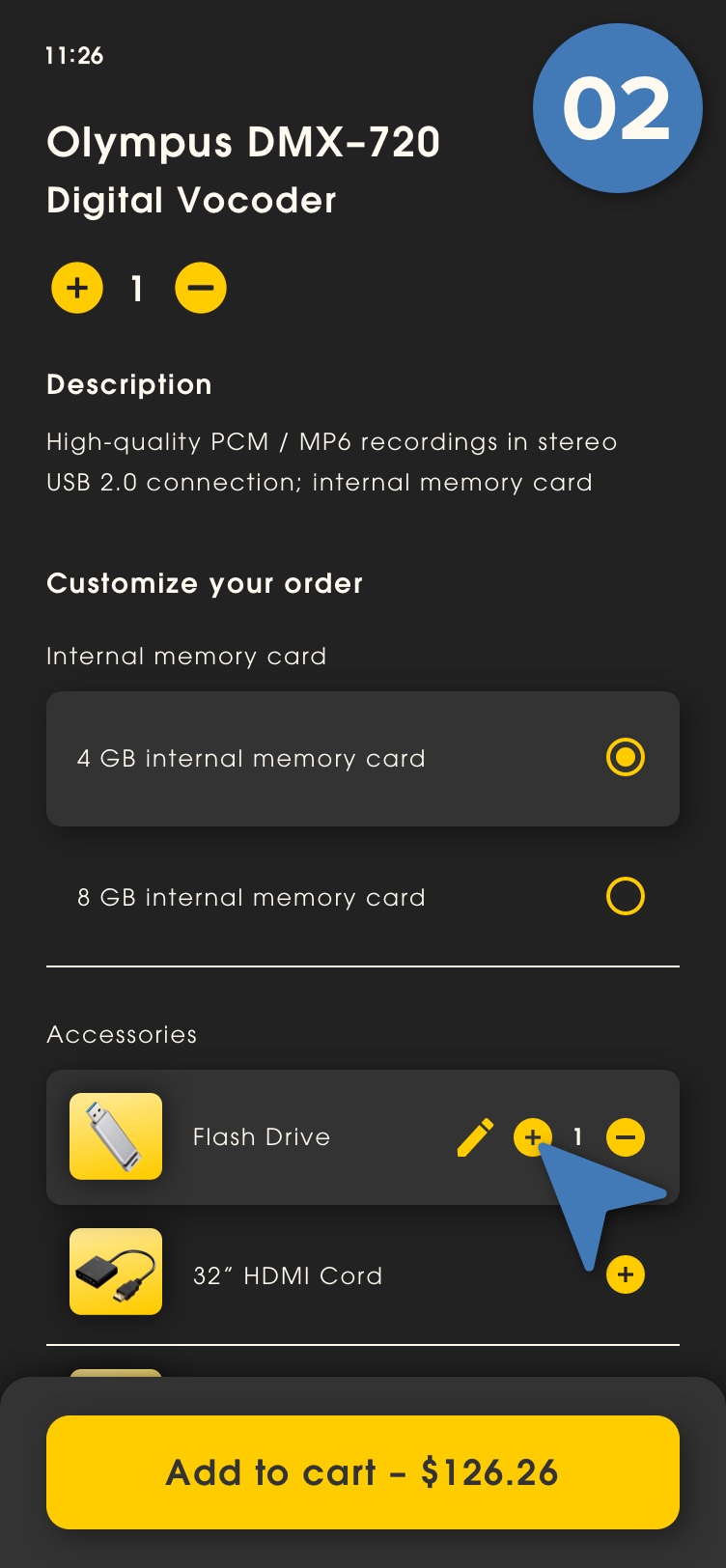
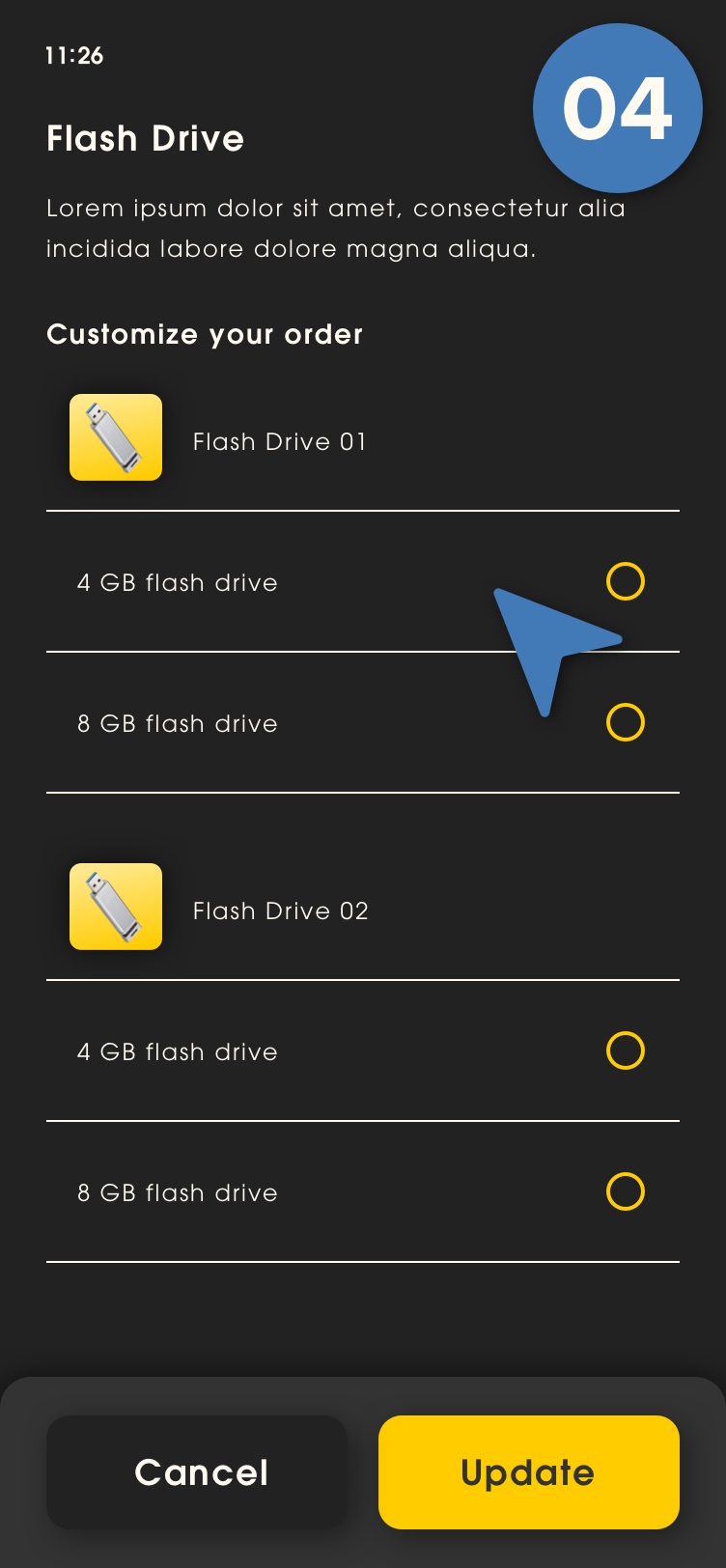
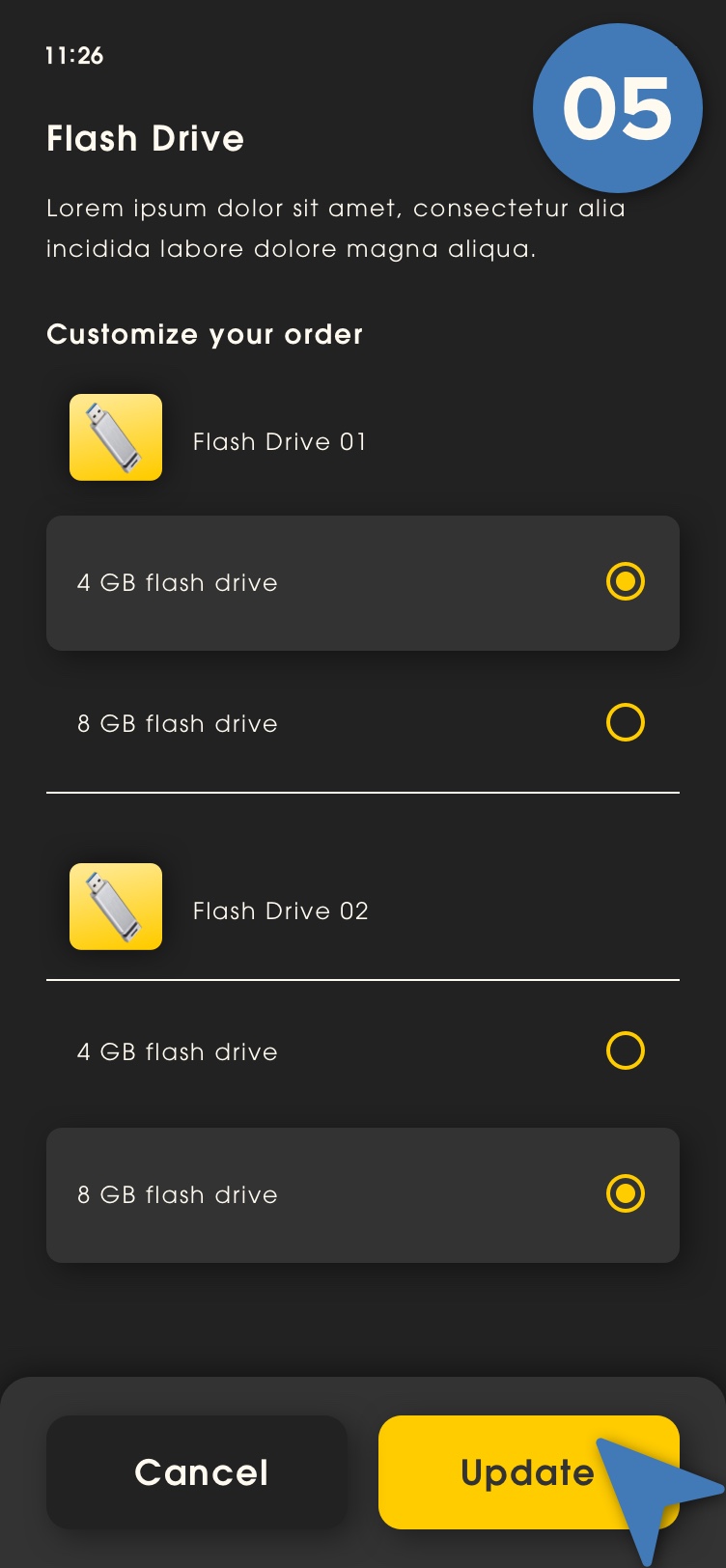
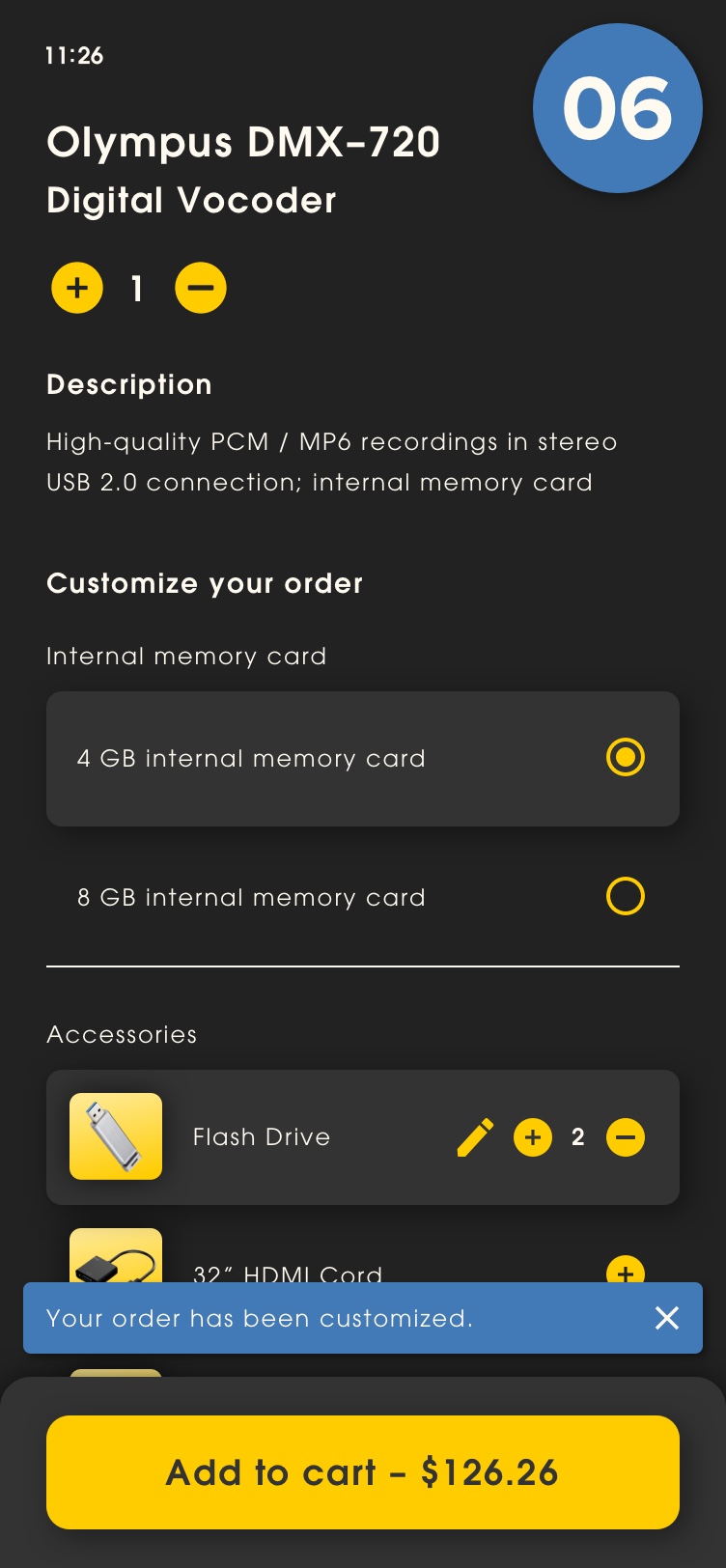
Quantity Item Modifier
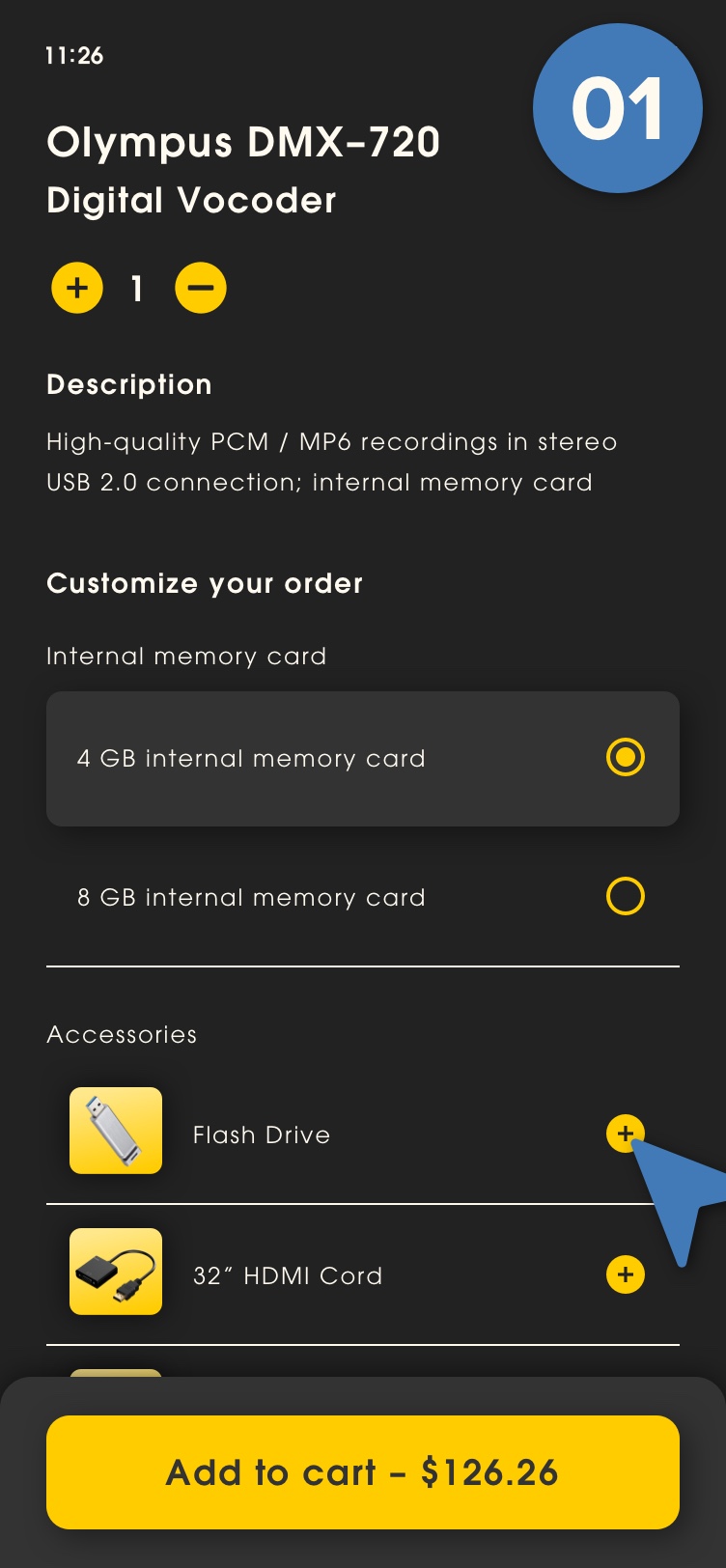
As a customer I need the ability to add quantity to modifiers when customizing my order item. Once quantity modifiers have been added to my order item I need the ability to individually customize each quantity modifier separately.

Flowchart
Flowcharts are frequently used to help visualize the steps a user takes to complete a task or achieve a goal throughout a site or app. Identifying and reflecting on how users navigate your site will help you meet their needs more efficiently. When mapping out Vulcan Digital Media’s Quick Order feature a flowchart served as an effective way for the team to get a collective overview of the entire process. Understanding the scope of the project and identifying potential flaws becomes much easier for all parties involved in creating the app.

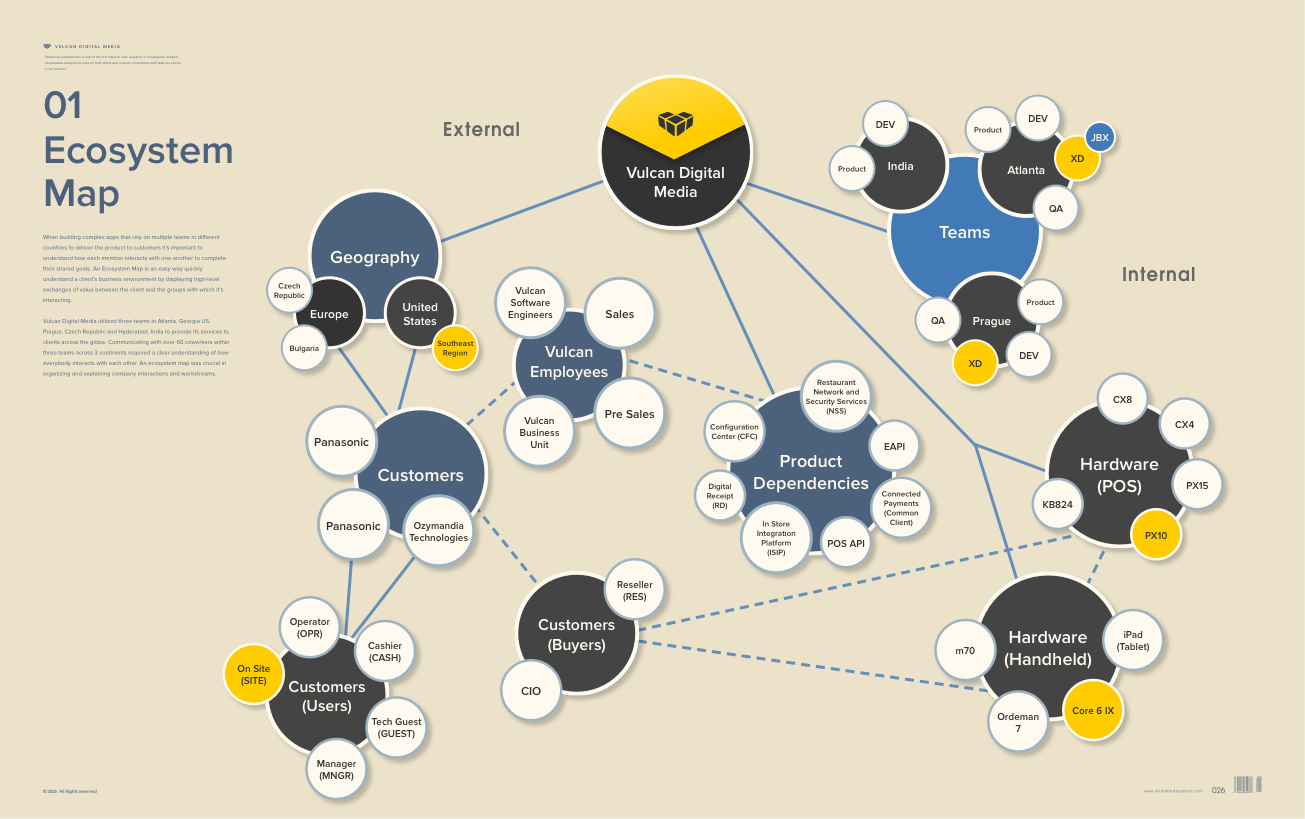
Ecosystem Map
When building complex apps that rely on multiple teams in different countries to deliver the product to customers it’s important to understand how each member interacts with one another to complete their shared goals. An Ecosystem Map is an easy way quickly understand a client’s business environment by displaying high-level exchanges of value between the client and the groups with which it’s interacting.
Vulcan Digital Media utilized three teams in Atlanta, Georgia US, Prague, Czech Republic and Hyderabad, India to provide its services to clients across the globe. Communicating with over 60 coworkers within three teams across 3 continents required a clear understanding of how everybody interacts with each other. An ecosystem map was crucial in organizing and explaining company interactions and workstreams.
View Product Design Return Home
Portfolio
Click on the links below to view featured portfolio case studies.